
Mastering Backup Brilliance: Learn to Design Emergency Power Backup Systems Like a Pro
Electricity keeps homes, businesses, industries, and digital systems running smoothly. In a world powered by technology, even a brief power cut can break communication, halt operations, damage equipment, or cause major losses. For many people, a stable electrical supply is not just a convenience—it is a necessity. This is where learning to design Emergency Power Backup Design becomes an important skill. When you know how to plan and build a reliable backup system, you ensure that your environment stays productive, safe, and connected even during unexpected outages.
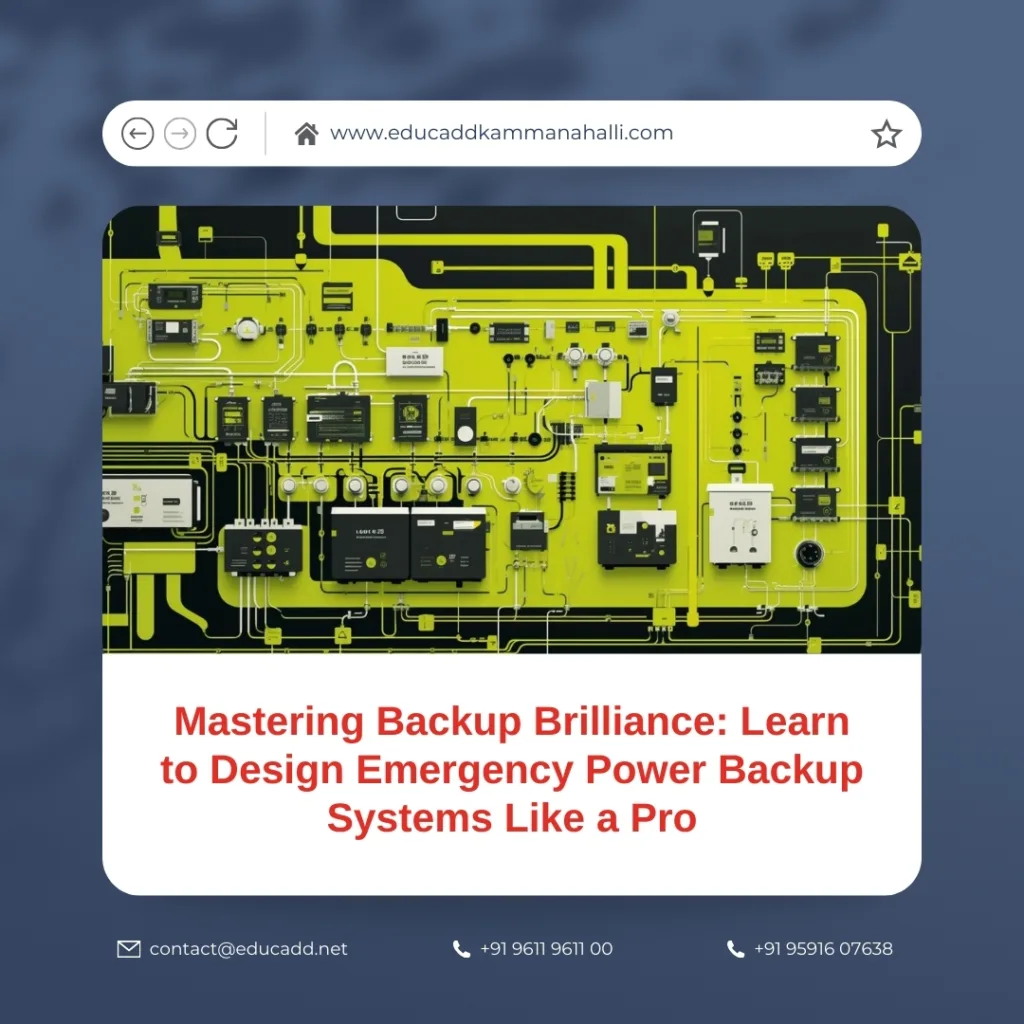
Emergency Power Backup Design
Designing a backup system might seem complicated at first, but the entire process becomes simple when you understand the logic behind it. Every successful system follows a clear path that includes identifying critical loads, choosing the right equipment, selecting an ideal power source, and creating a safe installation layout. This blog takes you through each stage in detail. By the end, you will understand how emergency power setups work and how you can design one that meets your needs with precision and confidence.
1. Understanding the Core Components of Emergency Power Backup Systems
To design effective Emergency Power Backup Design, you must first understand the components that keep the entire system functional. Every backup setup—whether for a home, office, or industry—relies on four major elements: the power source, the storage unit, the transfer mechanism, and the control interface. When these components work together in harmony, the system delivers smooth and uninterrupted power during a blackout.
The power source is the heart of the backup system. It may be a generator, an inverter, a UPS, solar panels, or a hybrid combination. Generators are ideal for long-duration outages and heavy loads. They supply high wattage and can run continuously with proper fueling. Inverters, on the other hand, are perfect for light to medium loads. They supply clean and stable power, making them suitable for sensitive electronics. Solar energy has become a popular option because it offers sustainability and long-term savings. When paired with efficient batteries, solar backup systems provide reliable power throughout the day.
The storage unit—usually a battery bank—plays a major role in determining how long your system will run during an outage. Tubular batteries, lithium-ion batteries, and lead-acid batteries each serve different purposes. Lithium batteries are best for fast charging and long life spans. Tubular batteries are known for durability and high performance in inverter systems. Selecting the right battery depends on your load requirements and expected backup duration.
The transfer mechanism ensures that the system switches from grid power to backup power quickly and safely. In small setups, a manual changeover switch may work, but modern installations prefer Automatic Transfer Switches (ATS). These switches detect outages and shift power flow instantly, preventing interruptions and protecting connected appliances.
The control interface monitors system performance. Smart dashboards, LED indicators, mobile apps, and advanced control panels help you track battery health, charging patterns, load levels, and voltage behavior. Monitoring is essential because it alerts you to faults before they escalate. When all components are selected with care, your backup system becomes reliable, efficient, and capable of handling various outage conditions.
2. Calculating Power Requirements for an Efficient Backup Design
Accurate load calculation is the backbone of designing emergency power backup systems. Without proper calculation, the backup may fail during a critical moment. The first step is to identify which appliances you want to support during a power failure. These may include lights, fans, computers, refrigerators, routers, CCTV systems, medical devices, or large machinery. Each device carries a wattage rating that tells you how much energy it consumes.
After identifying all appliances, list their wattage. Add them together to calculate the total connected load. This helps you understand the amount of power your backup system must handle. However, connected load alone is not enough. Some devices, especially those with motors—like pumps, refrigerators, compressors, and air conditioners—draw a higher amount of power at startup. This temporary spike is known as surge load or peak load. Surge load can be two to three times higher than normal operating power. A system not designed for surge load may trip or fail instantly.
Next, determine the backup duration you expect. If you need only one or two hours of support, a small battery bank might be enough. But if you expect long hours of outage, you must increase your battery capacity or supplement the system with a generator. For instance, an office running computers, lights, and servers may need eight hours of backup, especially in regions where power cuts are common. In contrast, a home may need only three or four hours of emergency power.
Battery capacity is usually calculated in “ampere-hours” (Ah). To size the battery correctly, multiply total wattage by the number of backup hours, then divide by system voltage. This formula gives you the ideal battery size required to support your needs. Oversizing the system leads to unnecessary expense, while undersizing leads to system failure. That is why precise calculation is essential. Once you understand your load pattern, you can design a system that handles power cuts with ease.
3. Choosing the Right Type of Backup System for Different Applications
Every environment has unique power needs, which is why different emergency power backup systems suit different applications. Homes, offices, shops, hospitals, industries, and data centers all require customized solutions. Selecting the right system ensures safety, efficiency, and long-term reliability.
Home backup systems are usually inverter-based. Inverters offer clean power that is safe for electronics such as laptops, televisions, and routers. They produce no smoke or noise, making them perfect for residential use. Solar inverters are also becoming popular as many homeowners want sustainable and cost-saving options. Solar panels charge the battery during the day, which reduces electricity bills and helps maintain power stability.
Commercial environments such as shops, clinics, and medium-sized offices need a combination of inverters and generators. An inverter ensures smooth, uninterrupted power for sensitive devices, while a generator handles heavy loads like air conditioners, printers, or medical equipment. Many offices prefer hybrid systems because they offer continuity, efficiency, and flexibility.
Industrial and data center environments demand high levels of redundancy. They cannot afford even a single second of downtime. To meet this need, industries use multiple generators, UPS units, large battery banks, synchronized panels, and advanced automated systems. A UPS provides instant backup, while generators take over for long-term support.
Hybrid systems are among the most advanced. They combine grid power, solar power, battery storage, and sometimes a generator. Hybrid systems balance power sources based on availability and demand, making them efficient and cost-effective. These systems reduce energy consumption, protect equipment, and maintain continuity even during prolonged outages.
Choosing the right backup type depends on usage patterns, outage frequency, and budget. When you match your environment with the right technology, you build a system that works flawlessly in all situations.
4. Building an Efficient Backup Layout With Safety and Reliability Features
Once you choose your backup system, the next step is creating an efficient layout. A good layout improves system performance, reduces energy loss, and ensures safety. Proper planning keeps your Emergency Power Backup Design stable and long-lasting.
Start by selecting an installation area that is dry, cool, and well-ventilated. Heat can damage batteries, reduce performance, and shorten lifespan. Place equipment on elevated platforms to avoid contact with dust, moisture, and spills. Organize cables neatly using conduits or cable trays. This not only improves airflow but also prevents accidental damage.
Safety features are essential. Every system must include circuit breakers, fuses, and surge protectors. These devices prevent overloads and protect both equipment and users. A Battery Management System (BMS) is crucial for lithium batteries. It monitors temperature, prevents overcharging, and ensures safe discharge levels. Generators require proper exhaust systems to direct fumes outdoors. Never install generators in enclosed spaces because fumes can be dangerous.
Label all wires, switches, and components clearly. This simplifies troubleshooting and maintenance. Use proper cable thickness based on current flow. Thin cables may overheat and cause failure. Choose high-quality connectors that withstand constant use. The goal is to build a system that is clean, stable, and safe to operate.
A well-designed layout also includes space for expansion. As energy needs grow, you may want to add more panels, upgrade batteries, or install higher-capacity inverters. Planning for expansion today prevents costly modifications in the future. A professional-grade layout supports performance, safety, and future scalability.
5. Testing, Monitoring, and Maintaining Long-Term Backup Efficiency
Testing and maintenance ensure long-term reliability in Emergency Power Backup Design. Even the most advanced setup will struggle if you skip regular checks. Start with functional testing. Simulate power failures to observe how the system responds. Check transfer speed, battery discharge rate, and load behavior. Testing helps you identify weaknesses before they become serious problems.
Monitoring tools make maintenance easier. Modern inverters and UPS systems come with digital displays, apps, and control panels that show battery health, voltage levels, power consumption, and backup duration. Monitoring helps detect issues such as low battery efficiency, overload, or charging errors.
Generator-based systems require scheduled servicing. Change oil, clean filters, inspect wiring, and test the fuel system. A neglected generator may fail during an emergency. UPS systems also require battery inspections. Tubular batteries need water level checks, terminal cleaning, and equalization charging. Lithium batteries require less maintenance but should still be monitored for temperature changes and charge cycles.
Environmental conditions matter. Keep equipment in clean, dust-free, and well-ventilated spaces. Heat and dust can slow performance and damage internal components. Make sure airflow is uninterrupted. Check cables at least once every three months for signs of wear.
A well-maintained system delivers consistent performance, longer lifespan, and better energy efficiency. When testing, monitoring, and maintenance work together, you build a backup setup that stays dependable for years.
Conclusion
Designing emergency power backup systems is more than just selecting devices—it is about understanding how power flows, how loads behave, and how components work together. When you identify your needs clearly, calculate power accurately, choose the right system type, create a safe layout, and maintain everything with care, you build a reliable and efficient backup solution. Such a system protects homes, keeps offices running, and ensures that industries stay productive even during unexpected power failures. With planning, precision, and the right knowledge, anyone can master the skill of designing a powerful and dependable emergency backup system.

