
Create Real-Time Motion Studies Using SolidWorks Simulation
Transform Dynamic Concepts into Measurable Engineering Performance
Modern product development demands more than static 3D models. Engineers and designers need to understand how assemblies behave under real-world conditions before prototypes are built. This is where SolidWorks Motion Simulation Studies becomes a powerful strategy. Instead of relying on assumptions, teams can visualize movement, measure forces, analyze velocity, and validate performance in a controlled digital environment.
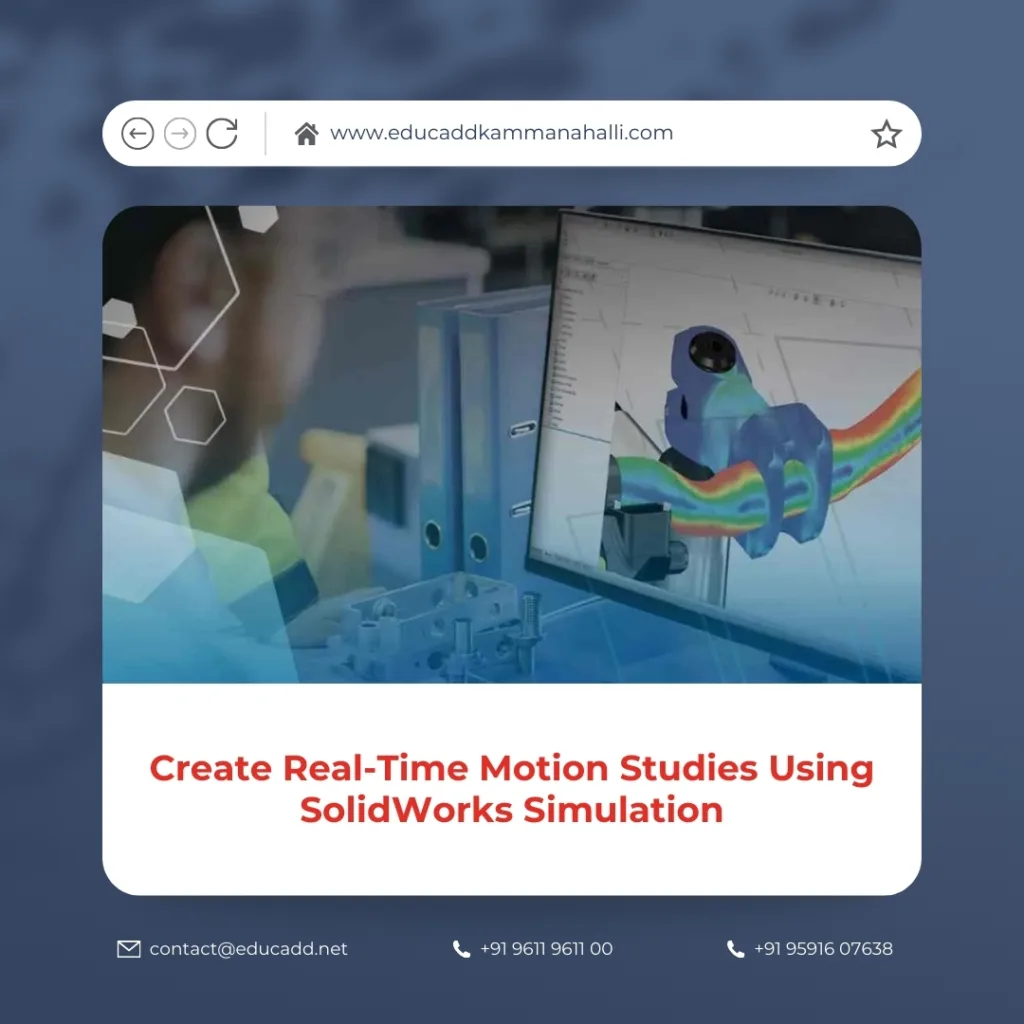
SolidWorks Motion Simulation Studies
Real-time motion analysis shortens development cycles, improves accuracy, and reduces manufacturing risk. Moreover, it enables design teams to make informed decisions early in the process. As competition intensifies across industries, simulation-driven workflows provide a clear advantage. In this comprehensive guide, you will explore how to create real-time motion studies, optimize assemblies, interpret results, and apply advanced simulation tools effectively.
1. Understanding the Fundamentals of Motion Simulation
Before diving into complex assemblies, it is essential to understand what motion simulation actually involves. When engineers SolidWorks Motion Simulation Studies, they define how components move relative to one another. This movement can include rotation, translation, sliding, gear interaction, or spring compression.
Motion studies analyze time-based behavior. Unlike static analysis, motion simulation calculates displacement, velocity, acceleration, and force continuously throughout the timeline. Consequently, engineers gain insight into dynamic performance rather than isolated snapshots.
Furthermore, motion simulation can identify interference issues, mechanical stress, and unexpected collisions. By observing assemblies in motion, teams can detect design flaws early. This proactive approach reduces costly modifications during manufacturing.
2. Why Real-Time Motion Analysis Matters in Product Design
Engineering decisions often depend on accurate movement analysis. Therefore, creating real-time motion studies using SolidWorks Simulation supports smarter product validation.
First, it reduces dependency on physical prototypes. Physical testing consumes time and resources. Simulation allows rapid iteration without material waste.
Second, it improves mechanical efficiency. Engineers can fine-tune gear ratios, cam profiles, or linkage lengths before final production.
Third, it enhances product safety. By analyzing force transmission and acceleration peaks, designers can prevent structural failure.
Finally, motion simulation strengthens collaboration. Designers, analysts, and stakeholders can visualize performance clearly, which improves communication across teams.
3. Preparing Your Assembly for Motion Studies
Successful motion analysis begins with a properly defined assembly. If mates are inconsistent or overdefined, the simulation may fail or produce inaccurate results.
Start by verifying all mates. Each joint must reflect real-world mechanical relationships. For example, hinge mates should allow rotation while preventing translation. Similarly, slider mates must enable linear movement only.
Next, check for interferences. Overlapping components create unrealistic behavior during simulation. Use interference detection tools to eliminate conflicts.
In addition, define materials accurately. Material properties influence mass, inertia, and dynamic forces. Therefore, assigning correct material data ensures realistic outcomes when you create real-time motion studies using SolidWorks Simulation.
4. Setting Up a Motion Study Environment
Once the assembly is ready, the motion study setup begins. Navigate to the motion study tab and select the appropriate study type. Depending on your objectives, you may choose animation, basic motion, or motion analysis.
Motion analysis provides the most detailed results. It calculates physical interactions using precise equations.
After selecting the study type, define the timeline. The timeline determines simulation duration and event sequencing. Engineers often use shorter durations for high-speed mechanisms and longer durations for slow mechanical systems.
Subsequently, apply motors. Motors drive movement in simulations. You can assign rotary motors, linear motors, or servo motors. Each motor can include speed, torque, or motion profile definitions.
At this stage, you officially begin to create real-time motion studies using SolidWorks Simulation, transforming static geometry into dynamic behavior.
5. Defining Forces, Springs, and Contact Conditions
Motion studies become more realistic when forces and physical interactions are included. Instead of relying solely on motor input, engineers can simulate real-world loads.
Apply gravity to observe weight-based effects. Add external forces to simulate operating conditions. Insert springs and dampers to model shock absorption or suspension systems.
Contact conditions also play a crucial role. When components touch or collide, the simulation calculates impact forces. This is particularly useful for cam mechanisms, gear trains, and sliding assemblies.
By defining these parameters accurately, engineers ensure that real-time motion analysis reflects actual performance conditions.
6. Running the Simulation and Observing Real-Time Results
After setup, run the simulation. SolidWorks Motion Simulation Studies calculates movement across each time step. As a result, engineers can observe animation synchronized with physics calculations.
During playback, monitor displacement and velocity graphs. These visual indicators help identify sudden acceleration spikes or irregular motion patterns.
Additionally, measure forces at joints and connectors. High force concentrations may indicate potential design weaknesses.
Because you create real-time motion studies using SolidWorks Simulation, you can pause, adjust parameters, and rerun analysis instantly. This flexibility accelerates optimization cycles.
7. Interpreting Motion Study Graphs and Data
Data interpretation is critical. Graphs display displacement, velocity, acceleration, and reaction forces over time.
Velocity graphs help evaluate smoothness of motion. Sharp spikes may signal design inefficiencies.
Acceleration plots reveal sudden changes that can cause vibration or noise.
Force graphs show load distribution across joints. Engineers often use this data to refine material selection and structural reinforcement.
Clear interpretation ensures simulation results translate into practical design improvements.
8. Integrating Motion Studies with Structural Analysis
Motion simulation does not operate in isolation. Engineers frequently transfer dynamic loads into structural analysis tools.
For instance, forces generated during motion can feed into finite element analysis. This integration helps evaluate stress distribution under real operating conditions.
By combining both methods, engineers validate durability and performance simultaneously. Consequently, products achieve higher reliability and longer service life.
This integrated workflow demonstrates why creating real-time motion studies using SolidWorks Simulation enhances overall engineering efficiency.
9. Optimizing Mechanical Systems Through Iteration
Iteration drives innovation. After reviewing motion results, engineers adjust design parameters.
They may modify gear ratios, change motor speed, or alter linkage geometry. Then, they rerun the simulation to compare outcomes.
Because digital adjustments occur quickly, multiple design versions can be tested within hours.
This iterative process reduces uncertainty. It also ensures final designs operate smoothly under defined constraints.
10. Advanced Motion Features for Complex Assemblies
Complex mechanisms require advanced simulation tools. SolidWorks provides cam followers, belt and chain features, and gear mates to replicate intricate mechanical interactions.
Additionally, servo motor profiles allow customized motion paths. Engineers can define time-based equations to control acceleration and deceleration precisely.
For robotics and automation systems, this capability proves invaluable. Real-time motion studies support synchronized movement and collision avoidance.
Advanced features empower engineers to simulate sophisticated machinery accurately.
11. Enhancing Visualization and Presentation
Motion studies also improve communication. Stakeholders may not interpret technical graphs easily. However, animated simulations provide intuitive understanding.
Engineers can export motion videos to demonstrate functionality. They can also generate dynamic plots for presentations.
Visualization supports marketing, investor discussions, and internal reviews. Consequently, motion simulation extends beyond engineering analysis into strategic communication.
12. Reducing Design Errors Before Manufacturing
Manufacturing errors often stem from overlooked motion constraints. When assemblies fail to operate as intended, redesign becomes expensive.
By creating real-time motion studies using SolidWorks Simulation, teams identify interference issues early.
They detect overtravel, unexpected collisions, and misaligned joints before fabrication.
Early validation reduces rework, improves product quality, and protects project budgets.
13. Best Practices for Accurate Motion Studies
To maximize accuracy, follow structured practices.
Always simplify assemblies by suppressing unnecessary components. This improves computational efficiency.
Use realistic motor inputs instead of arbitrary speeds.
Validate material properties before simulation.
Refine contact settings carefully to avoid unstable results.
Finally, document findings thoroughly. Clear documentation ensures future modifications remain consistent with original analysis.
By applying these principles, engineers consistently create reliable real-time motion studies using SolidWorks Simulation.
14. Industry Applications of Motion Simulation
Motion simulation serves diverse industries.
Automotive engineers analyze suspension travel and steering mechanisms.
Industrial machinery designers evaluate conveyor systems and robotic arms.
Consumer product developers test hinge durability and ergonomic movement.
Aerospace engineers validate actuator performance and mechanical linkages.
In each sector, motion analysis strengthens performance validation and accelerates innovation.
Conclusion
Engineering excellence depends on understanding movement, force, and interaction within complex assemblies. When teams SolidWorks Motion Simulation Studies, they transform theoretical designs into validated mechanical systems.
Real-time motion analysis reduces prototyping costs, enhances product safety, and accelerates development cycles. Furthermore, it improves collaboration by providing clear visual and analytical feedback.
As industries move toward digital transformation, simulation-driven design becomes essential rather than optional. By mastering motion studies, engineers gain the ability to predict performance, optimize efficiency, and deliver reliable products with confidence.

