
Transforming IT Projects: Mastering Agile Tools Across Every Phase
In today’s fast-paced digital world, managing IT projects efficiently can determine the success or failure of a business initiative. Traditional project management often struggles with dynamic requirements, unpredictable changes, and tight deadlines. This is where Agile methodologies step in, offering flexibility, transparency, and continuous delivery. By leveraging Agile Tools for IT project managers can not only streamline workflows but also improve collaboration, ensure stakeholder satisfaction, and adapt quickly to evolving business needs. Agile tools provide a visual, systematic approach to project management, empowering teams to deliver high-quality results faster. In this blog, we will explore how to manage IT project phases using Agile tools effectively, ensuring every step from planning to deployment is handled with precision and clarity.
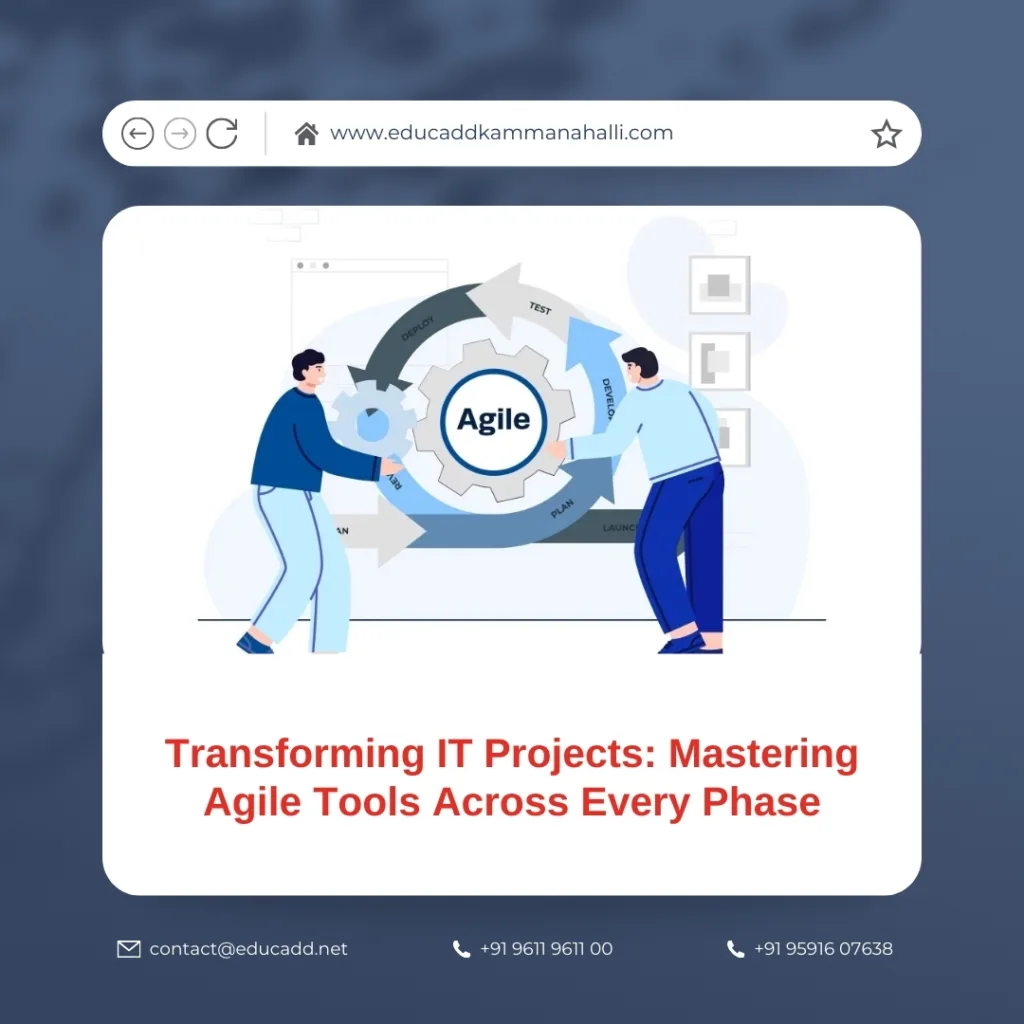
Agile Tools for IT
Understanding Agile Methodology in IT Projects
Agile Tools for IT emphasizes iterative development, collaboration, and customer feedback. Unlike traditional waterfall methods, Agile breaks projects into small, manageable iterations called sprints. Each sprint focuses on delivering a specific portion of the project, allowing teams to adjust priorities, incorporate feedback, and improve continuously. Agile tools, such as Jira, Trello, and Asana, facilitate task tracking, team communication, and progress visualization. By integrating Agile practices with these tools, IT teams gain real-time insights into project status, resource allocation, and potential bottlenecks. Adopting Agile methodology ensures that IT projects remain flexible, transparent, and aligned with business objectives throughout every phase.
Phase 1: Project Initiation and Requirement Gathering
The first phase of an IT project involves understanding the project’s purpose, defining objectives, and identifying key stakeholders. Agile tools can streamline requirement gathering by providing collaborative platforms where stakeholders can document, prioritize, and refine their needs. For instance, Jira allows teams to create user stories and epics, breaking down complex requirements into actionable tasks. Trello boards can be customized for brainstorming and tracking initial ideas. Using Agile tools during initiation promotes transparency and ensures that all team members have a shared understanding of project goals, preventing misunderstandings later in the development cycle.
Phase 2: Detailed Planning and Roadmapping
After gathering requirements, the next step is planning. Agile planning focuses on creating a roadmap rather than a rigid schedule. Tools like Microsoft Azure DevOps and Monday.com enable project managers to visualize project timelines, assign tasks, and define dependencies. Sprint planning sessions are critical in this phase, allowing teams to prioritize tasks based on business value, complexity, and urgency. Using Agile tools, managers can estimate workload, set achievable milestones, and track progress continuously. This proactive planning reduces risks, enhances team alignment, and ensures that each project phase is executed efficiently.
Phase 3: Designing the System Architecture
System design is crucial in IT projects, as it establishes the technical blueprint for development. Agile encourages iterative design, allowing teams to refine solutions progressively. Tools like Lucidchart and Miro support collaborative design sessions, enabling teams to visualize system architecture, data flows, and integration points. Agile design processes emphasize simplicity, scalability, and adaptability. By using Agile tools to document and review designs, teams can identify potential issues early, reduce rework, and maintain alignment with project objectives. Iterative design ensures the final solution meets both technical and business requirements effectively.
Phase 4: Development and Implementation
The development phase transforms design plans into functional software or systems. Agile development is organized into short sprints, each delivering working components. Tools such as Jira and GitHub provide task tracking, version control, and collaboration features, allowing developers to work efficiently while maintaining transparency. Continuous integration and automated testing ensure that each sprint produces high-quality results. Agile tools facilitate communication among developers, testers, and product owners, minimizing errors and delays. With iterative development, teams can adapt to changing requirements, incorporate feedback, and deliver incremental value consistently.
Phase 5: Sprint Management and Daily Standups
Daily standups are a hallmark of Agile project management, promoting accountability, collaboration, and progress tracking. Agile tools like Trello, Jira, or Asana allow team members to update tasks, report progress, and highlight roadblocks. Standups ensure that teams remain focused on sprint goals, identify challenges early, and adapt strategies as needed. Task boards provide a visual representation of the sprint’s status, making it easier for managers to monitor completion rates and allocate resources effectively. Efficient sprint management using Agile tools fosters team cohesion, enhances productivity, and accelerates project delivery.
Phase 6: Testing and Quality Assurance
Quality assurance is critical in IT projects to deliver reliable, secure, and high-performing systems. Agile testing emphasizes continuous integration, automated testing, and iterative feedback. Tools like Selenium, TestRail, and Jira enable teams to plan, execute, and track tests efficiently. By integrating testing within each sprint, defects can be identified and resolved promptly, reducing the risk of large-scale failures. Agile tools ensure comprehensive documentation, seamless communication between developers and testers, and transparency in defect resolution. This proactive approach to testing maintains software quality throughout the project lifecycle.
Phase 7: Deployment and Release Management
Deployment marks the transition of a project from development to production. Agile deployment focuses on incremental releases, enabling businesses to deliver value faster and reduce risks. Tools like Jenkins, GitLab, and Azure DevOps automate build, test, and deployment processes, ensuring smooth transitions. Agile release management allows teams to monitor deployment progress, rollback changes if necessary, and incorporate user feedback immediately. This approach minimizes downtime, enhances customer satisfaction, and ensures that the system operates as intended in real-world environments.
Phase 8: Monitoring and Performance Tracking
Post-deployment, monitoring is crucial to track system performance, detect issues, and measure success. Agile tools provide dashboards, analytics, and reporting features that help managers evaluate project outcomes, team performance, and system reliability. Tools like Jira, Grafana, and Datadog allow continuous monitoring, alert management, and detailed performance analysis. Monitoring helps in identifying areas of improvement, refining processes, and making data-driven decisions. Agile tools ensure teams maintain high standards, respond proactively to issues, and optimize system performance continuously.
Phase 9: Change Management and Continuous Improvement
Agile emphasizes adaptability, making change management an integral part of IT projects. Requirements, priorities, or market conditions may evolve during the project. Agile tools support change management by tracking modifications, updating task priorities, and facilitating team communication. Retrospectives conducted after each sprint allow teams to analyze what went well, what challenges occurred, and how to improve. This continuous improvement mindset ensures that IT projects remain relevant, efficient, and aligned with evolving business goals.
Phase 10: Collaboration and Team Communication
Effective collaboration is the backbone of successful Agile IT projects. Agile tools provide centralized platforms where team members can communicate, share updates, and resolve issues. Features like comments, mentions, notifications, and integrated chat systems enhance transparency and accountability. Collaborative Agile Tools for ITenvironments break down silos, encourage knowledge sharing, and foster innovation. By promoting real-time communication, Agile tools ensure that team members stay connected, informed, and motivated throughout the project lifecycle.
Phase 11: Documentation and Knowledge Management
Maintaining accurate documentation is vital for long-term success. Agile tools like Confluence, Notion, and SharePoint enable teams to document requirements, designs, test cases, and project decisions systematically. Knowledge management ensures continuity, facilitates onboarding, and supports regulatory compliance. Agile documentation is concise, focused, and updated continuously, avoiding outdated or redundant information. By combining Agile principles with robust documentation tools, IT teams can maintain clarity, reduce miscommunication, and preserve valuable project insights for future reference.
Phase 12: Risk Management and Mitigation
Every IT project carries risks, including technical failures, resource constraints, and changing requirements. Agile tools help identify, assess, and mitigate risks proactively. Risk registers, task dependencies, and automated alerts allow teams to monitor potential issues in real-time. Agile practices like regular sprint reviews, retrospectives, and stakeholder communication contribute to early detection and resolution. By integrating risk management into every phase, IT teams can minimize disruptions, maintain project momentum, and achieve predictable outcomes.
Phase 13: Stakeholder Engagement and Feedback
Regular stakeholder engagement is central to Agile project management. Agile tools facilitate transparent reporting, progress visualization, and feedback collection. Product owners, clients, and executives can review project milestones, provide input, and influence priorities effectively. Incorporating feedback throughout the project ensures alignment with business objectives, reduces misunderstandings, and enhances satisfaction. Agile tools bridge the gap between technical teams and stakeholders, promoting collaboration, trust, and project success.
Phase 14: Project Closure and Retrospective
The final phase of an IT project is closure, involving evaluation, knowledge transfer, and formal handover. Agile tools help compile reports, document lessons learned, and archive critical project data. Sprint retrospectives provide insights into successes, challenges, and areas for improvement. By reflecting on the project lifecycle, teams can optimize future initiatives, enhance processes, and strengthen organizational capabilities. Agile closure ensures a seamless transition from project execution to operational stability while fostering a culture of continuous improvement.
Conclusion
Managing Agile Tools for IT transforms complex, dynamic initiatives into structured, transparent, and adaptive workflows. From requirement gathering to project closure, Agile tools empower teams to plan meticulously, collaborate effectively, deliver incrementally, and improve continuously. Businesses adopting Agile methodologies and leveraging these tools gain a competitive edge, ensuring timely delivery, high-quality results, and stakeholder satisfaction. By mastering Agile tools, IT project managers can navigate uncertainty, optimize performance, and achieve strategic objectives with confidence and precision.

