
Mastering Terrain Visualization: A Complete Guide to Contour Mapping Using AutoCAD Civil 3D
Modern infrastructure projects rely heavily on accurate terrain analysis and land modeling. Among the many technologies available today, Contour Mapping AutoCAD Civil3D has become one of the most efficient methods for creating precise topographical representations. Engineers, surveyors, architects, and construction professionals use contour maps to understand elevation changes, identify slopes, plan drainage systems, and design infrastructure with confidence. AutoCAD Civil 3D simplifies the process by transforming survey data into intelligent surfaces and detailed contour maps.
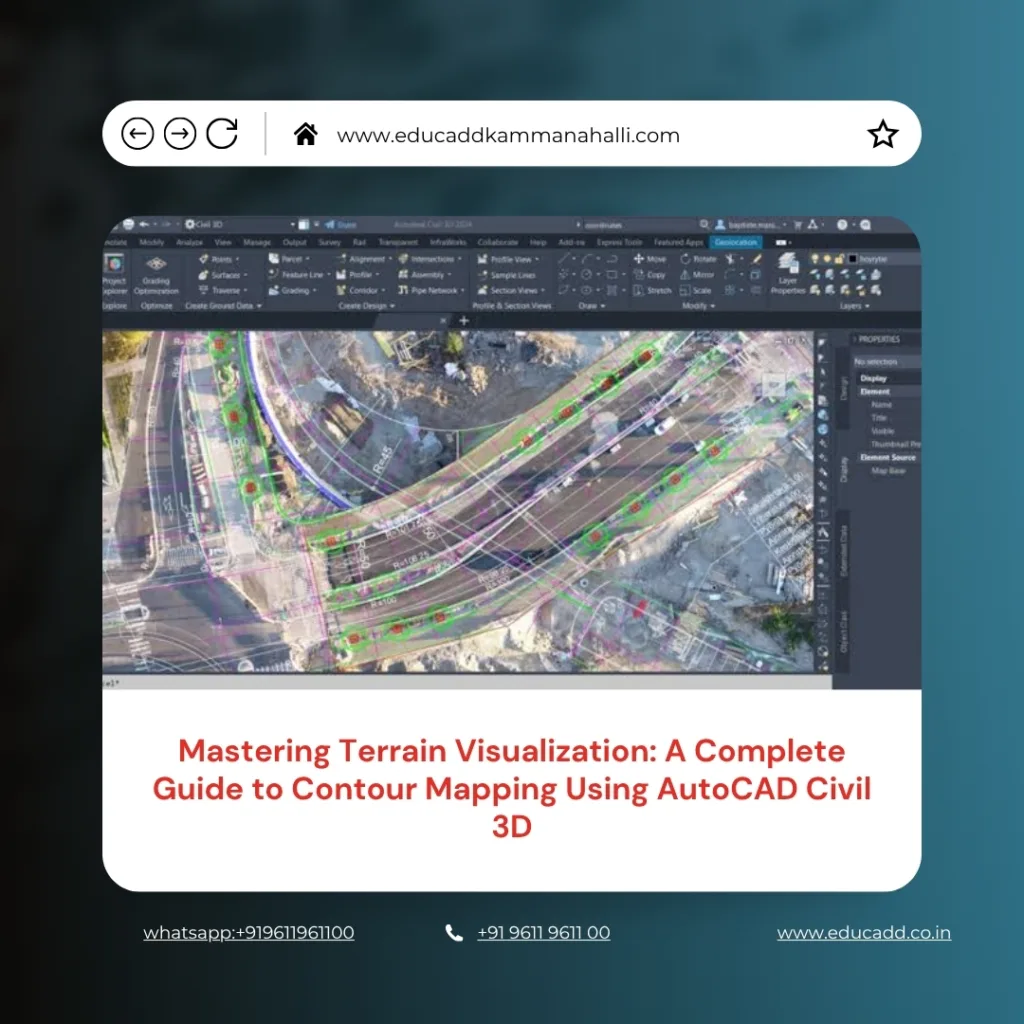
Contour Mapping AutoCAD Civil3D
As project requirements become more complex, professionals need reliable tools that improve accuracy while reducing manual effort. This guide explores every important aspect of contour mapping in Civil 3D, from data preparation to final map production, helping users understand how this powerful software enhances terrain visualization and project planning.
Understanding Contour Mapping and Its Importance
Contour mapping is the process of representing the shape and elevation of land through contour lines. These lines connect points that share the same elevation above a reference level. As a result, users can visualize terrain features on a two-dimensional drawing while understanding the three-dimensional characteristics of the land. Contour Mapping AutoCAD Civil3D identify hills, valleys, ridges, depressions, and slope variations. They play a vital role in road design, site development, land surveying, and environmental planning.
Without accurate contour information, project teams may face design errors, construction challenges, and increased costs. Therefore, contour mapping remains a fundamental element of successful engineering and construction projects.
Why AutoCAD Civil 3D Is Ideal for Terrain Modeling
Contour Mapping AutoCAD Civil3D offers specialized tools designed specifically for civil engineering and land development tasks. Unlike traditional drafting software, Civil 3D incorporates intelligent objects that automatically update when data changes. This dynamic functionality makes contour generation faster and more accurate. The software allows users to create surfaces directly from survey points, point clouds, breaklines, and other terrain data sources.
Additionally, Civil 3D provides extensive customization options for contour styles, labels, and surface analysis. Because of these capabilities, professionals can efficiently manage large datasets while maintaining high levels of accuracy throughout the design process.
Preparing Survey Data for Contour Creation
The foundation of successful contour mapping begins with accurate survey data. Before generating contours, users must collect and organize elevation information from the project site. Survey points often come from total stations, GPS equipment, drones, or LiDAR technology. Once collected, the data should be reviewed carefully to eliminate duplicate points, errors, and inconsistencies.
Clean data ensures that the generated surface accurately reflects real-world conditions. Importing properly formatted survey information into Civil 3D allows users to build reliable terrain models and avoid complications during later design stages. Good preparation saves time and improves the overall quality of contour maps.
Creating a Surface Model in AutoCAD Civil 3D
A surface model serves as the basis for contour generation. In Civil 3D, users create a surface by combining survey points and elevation data into a Triangulated Irregular Network (TIN). The software automatically connects points to form triangles that represent the terrain’s shape. These triangles create a digital representation of the land surface. Once the surface is generated, Civil 3D calculates elevation relationships and prepares the data for contour display.
The resulting model provides a detailed visualization of the site, enabling designers to evaluate terrain conditions before proceeding with construction planning or infrastructure development.
Generating Contours from Surface Data
After creating a surface model, users can generate contour lines with just a few commands. Civil 3D automatically calculates elevation intervals and draws contours based on the surface geometry. Major contours often appear at larger intervals, while minor contours provide additional detail between elevations. The software gives users flexibility to define contour intervals according to project requirements.
As a result, contour maps can be tailored for residential developments, highways, drainage systems, mining projects, or environmental studies. The automation provided by Civil 3D significantly reduces manual drafting effort while improving consistency and precision.
Customizing Contour Styles for Better Visualization
Effective contour maps require clear and professional presentation. Civil 3D offers numerous customization options that allow users to modify contour appearance according to project standards.
Key customization options include:
- Adjusting major and minor contour intervals.
- Changing line colors, weights, and linetypes.
These settings help improve readability and ensure that important terrain features stand out clearly. Custom styling also enhances communication between engineers, clients, contractors, and regulatory authorities. A well-designed contour map provides valuable information quickly and reduces the likelihood of interpretation errors during project execution.
Working with Breaklines for Improved Accuracy
Breaklines play a crucial role in representing sudden terrain changes such as curbs, ridges, retaining walls, channels, and road edges. Without breaklines, surface models may smooth over critical features and produce inaccurate contours. Civil 3D allows users to add breaklines directly to the surface model, ensuring that significant terrain transitions are preserved. These lines guide the triangulation process and improve the accuracy of contour generation.
Consequently, projects involving complex terrain benefit greatly from the inclusion of breaklines. Accurate breakline integration helps engineers create more realistic terrain models and make informed design decisions.
Surface Analysis and Terrain Evaluation
Contour mapping is only one aspect of terrain analysis. Civil 3D includes advanced tools that allow users to evaluate slopes, elevations, drainage patterns, and watershed characteristics. By analyzing the generated surface, professionals can identify potential design challenges before construction begins. Surface analysis improves site planning and helps optimize grading strategies.
Engineers can also compare existing and proposed terrain conditions to assess project impacts. This analytical capability transforms contour maps from simple visual representations into powerful decision-making tools that support efficient project development.
Applications of Contour Mapping in Civil Engineering
Contour maps support a wide range of engineering and construction activities. They provide essential information for site evaluation, infrastructure planning, and environmental assessment.
Common applications include:
- Road and highway alignment design.
- Land development and grading projects.
Beyond these uses, contour maps assist in stormwater management, utility planning, mining operations, and landscape architecture. Their versatility makes them indispensable across multiple industries. Civil 3D enhances these applications by delivering accurate, data-driven terrain models that improve project outcomes and reduce design risks.
Managing Large Terrain Datasets Efficiently
Large projects often involve thousands or even millions of survey points. Managing such extensive datasets can be challenging without the right software tools. Civil 3D provides efficient data management capabilities that allow users to organize, process, and analyze complex terrain information. Features such as data shortcuts, point groups, and reference surfaces streamline workflows and improve collaboration among project teams.
Additionally, the software optimizes performance when handling large files, enabling users to maintain productivity even on demanding projects. Efficient data management contributes significantly to project success and ensures that contour maps remain accurate and up to date.
Integrating Drone and LiDAR Data into Civil 3D
Recent advancements in surveying technology have transformed contour mapping practices. Drones and LiDAR systems can collect vast amounts of terrain data quickly and accurately. Civil 3D supports the integration of these datasets, allowing users to generate highly detailed surface models. Drone surveys provide aerial coverage of large areas, while LiDAR captures precise elevation information across varied terrain conditions.
By combining these technologies with Civil 3D, professionals can create contour maps that reflect real-world conditions with exceptional accuracy. This integration improves project planning and reduces the time required for field surveys.
Common Challenges in Contour Mapping and Their Solutions
Despite technological advancements, contour mapping can present several challenges. Inaccurate survey data, missing elevation points, and improper surface settings may result in misleading contours. Fortunately, Civil 3D offers tools that help users identify and resolve these issues. Surface editing commands allow adjustments to triangulation, while quality control procedures help verify data accuracy.
Regular surface reviews ensure that contours remain consistent with site conditions. By following best practices and maintaining data integrity, professionals can overcome common challenges and produce reliable terrain models that support successful project execution.
Best Practices for Accurate Contour Mapping
Achieving high-quality contour maps requires a systematic approach throughout the project lifecycle. Professionals should prioritize data accuracy, proper surface creation, and consistent quality control measures. Regular verification of survey points helps prevent modeling errors. Additionally, appropriate contour intervals should be selected based on project scale and complexity. Maintaining organized drawing standards improves collaboration and simplifies future updates.
By adopting proven workflows, users can maximize the benefits of Civil 3D and create contour maps that meet industry requirements. Consistency and attention to detail remain essential factors in achieving accurate terrain representation.
Future Trends in Digital Terrain Modeling
The future of contour mapping continues to evolve alongside advancements in digital technology. Artificial intelligence, machine learning, cloud computing, and reality capture solutions are reshaping how terrain data is collected and analyzed. Civil 3D increasingly integrates with modern workflows that support automation and real-time collaboration. As survey technologies become more sophisticated, contour maps will offer even greater accuracy and detail.
These innovations will help engineers design safer infrastructure, optimize land use, and improve project efficiency. Organizations that embrace emerging technologies will gain significant advantages in planning and development activities.
Conclusion
Contour Mapping AutoCAD Civil3D has revolutionized the way professionals analyze and visualize terrain. From creating intelligent surface models to generating highly accurate contour maps, the software provides powerful tools that streamline engineering and surveying workflows. Its ability to integrate survey data, drone imagery, LiDAR information, and advanced analysis features makes it an essential solution for modern infrastructure projects. By understanding proper data preparation, surface modeling techniques, contour customization, and best practices, users can produce reliable topographical representations that support informed decision-making. As digital terrain modeling continues to advance, AutoCAD Civil 3D will remain a valuable platform for delivering accurate, efficient, and professional contour mapping solutions across diverse industries.

