
Mastering Assembly Modeling in Creo: From First Constraints to Advanced Design Control
Assembly modeling is the backbone of any successful mechanical design project. While individual parts define shape and function, assemblies bring products to life by showing how components interact in the real world. In modern product development, engineers rely on Creo to create robust, flexible, and intelligent assemblies that support design intent, reduce errors, and speed up manufacturing. Creo Assembly Modeling Techniques play a vital role in helping designers move confidently from basic placement methods to advanced control strategies. This blog explores assembly modeling in Creo from beginner to advanced levels, focusing on clarity, best practices, and real-world applicability. Whether you are starting your journey or refining complex assemblies, this guide offers a structured and detailed understanding.
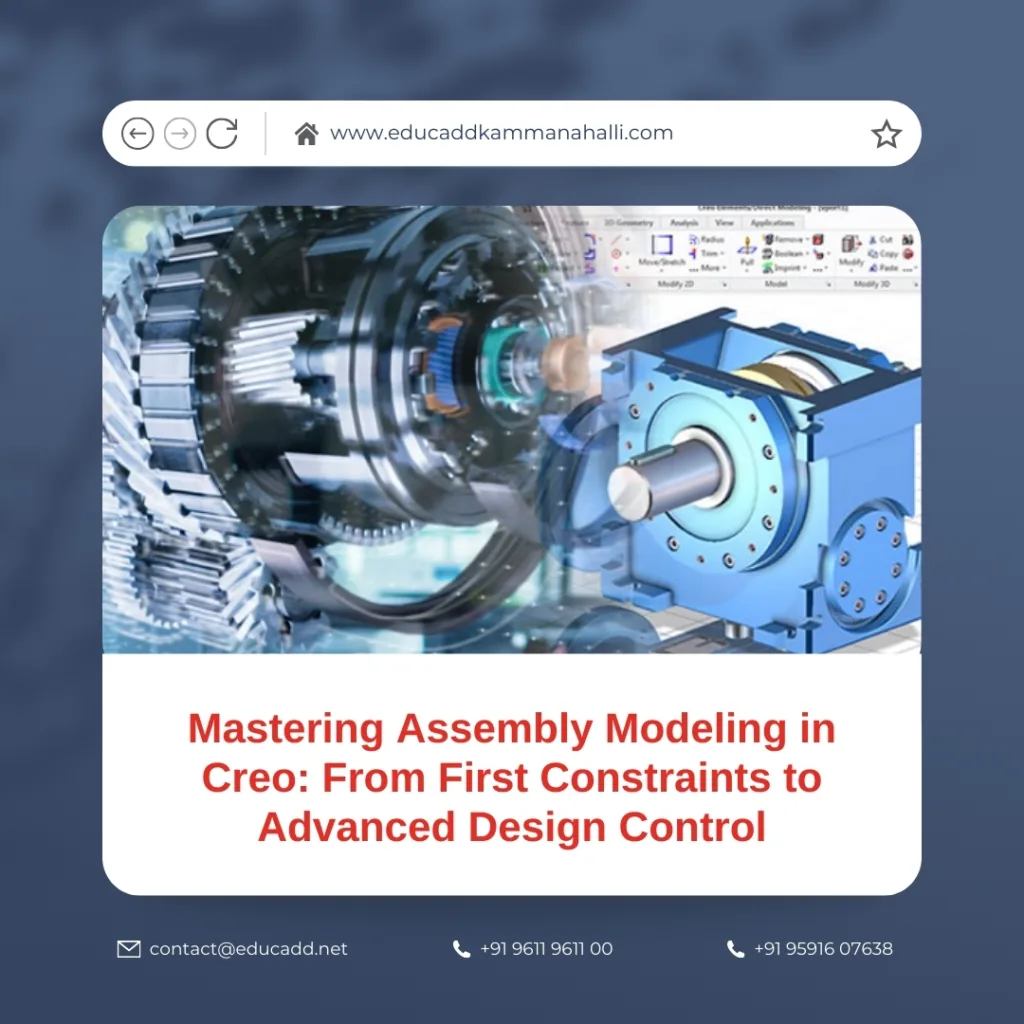
Creo Assembly Modeling Techniques
Understanding the Role of Assembly Modeling in Creo
Creo Assembly Modeling Techniques is not just about putting parts together. It represents how a product functions, moves, and gets manufactured. A well-built assembly allows designers to validate fit, detect interference, and manage changes efficiently. Creo provides a powerful environment where assemblies remain associative with their parts, ensuring updates flow seamlessly. This approach improves collaboration across teams and reduces redesign cycles. By using proper assembly modeling techniques in Creo, engineers create designs that remain stable even when requirements evolve. As a result, assembly modeling becomes a strategic design activity rather than a simple mechanical task.
Getting Started with Basic Assembly Creation
Beginners usually start by creating a new assembly file and placing their first component. In Creo, the first part placed becomes the default reference component, often fixed in space. This step sets the foundation for the entire assembly structure. Designers should choose this component carefully, as it often represents the core or base of the product. Using default datum planes and coordinate systems simplifies alignment. At this stage, assembly modeling techniques in Creo focus on understanding orientation, placement, and basic navigation. Clear organization from the beginning helps avoid confusion as the assembly grows.
Applying Assembly Constraints Effectively
Constraints define how parts relate to each other within an assembly. Creo offers standard constraints such as Mate, Align, Insert, and Tangent. Beginners must understand the functional purpose of each constraint instead of applying them randomly. Over-constraining a component can cause regeneration failures, while under-constraining may lead to unstable movement. Effective assembly modeling techniques in Creo emphasize minimal and meaningful constraints. When designers think in terms of real-world motion and contact, constraints become intuitive. This approach improves assembly stability and supports downstream operations like simulation and manufacturing.
Building Logical Assembly Structures
As assemblies grow, structure becomes critical. Creo supports sub-assemblies, which allow designers to group related components logically. This method improves clarity and performance, especially in large projects. For example, breaking a machine into functional modules such as frames, drives, and housings enhances manageability. Assembly modeling techniques in Creo encourage modular design because it mirrors real manufacturing processes. Well-structured assemblies load faster, regenerate smoothly, and simplify collaboration. Designers can also reuse sub-assemblies across projects, saving time and maintaining consistency.
Managing Component Placement Strategies
Creo provides multiple placement strategies, including automatic placement, package placement, and manual constraints. Each method suits different design scenarios. Automatic placement works well for simple components, while manual constraints offer precision for complex interactions. Package placement helps position components without final constraints during early design stages. Advanced assembly modeling techniques in Creo involve choosing the right placement strategy based on design maturity. This flexibility allows designers to explore concepts quickly while maintaining control as the design evolves.
Using Skeleton Models for Top-Down Design
Skeleton modeling represents a powerful top-down assembly approach in Creo. A skeleton model contains key references, curves, and dimensions that drive the entire assembly. Parts reference the skeleton rather than each other, reducing dependency issues. This technique ensures design intent remains clear and consistent. Assembly modeling techniques in Creo increasingly rely on skeletons for complex products like automotive systems and heavy machinery. By controlling geometry at a higher level, designers manage change efficiently and maintain alignment across components. Skeleton models also enhance teamwork by providing a shared design framework.
Advanced Component Control with Flexible Modeling
Flexibility becomes essential when assemblies require motion or variation. Creo allows designers to create flexible components that adapt within different assembly contexts. For example, springs, belts, and hoses often require flexibility to reflect real behavior. Advanced assembly modeling techniques in Creo use flexible modeling to simulate realistic movement and fit. This capability improves design validation and reduces surprises during physical prototyping. When used correctly, flexible components enhance the accuracy of digital assemblies.
Working with Large Assemblies Efficiently
Large assemblies present performance challenges if not managed properly. Creo offers tools such as simplified representations, lightweight graphics, and display filters. These features allow designers to focus on relevant components without loading the entire model. Assembly modeling techniques in Creo emphasize performance optimization through smart visualization. Designers can suppress unnecessary details and load only critical geometry. This approach improves productivity and reduces system strain, especially when working on complex industrial products.
Assembly Analysis and Interference Checking
One major advantage of assembly modeling in Creo is the ability to perform analysis directly within the design environment. Interference checks help identify clashes between components early. Clearance analysis ensures proper spacing for movement and manufacturing. Assembly modeling techniques in Creo integrate analysis as a routine step rather than a final check. Early detection of issues saves time and cost while improving product quality. Designers gain confidence that their assemblies will function as intended in real-world conditions.
Incorporating Mechanism Design and Motion Simulation
Creo supports mechanism design, allowing assemblies to simulate motion and kinematics. Designers can define joints, motors, and connections to study movement. This capability proves valuable for products with moving parts, such as linkages and gear systems. Advanced assembly modeling techniques in Creo use motion simulation to validate functionality before physical testing. By visualizing motion digitally, designers refine designs and prevent costly errors. Mechanism analysis also supports innovation by encouraging experimentation.
Managing Design Changes and Updates
Design changes are inevitable in any project. Creo’s associative nature ensures that updates to parts reflect automatically in assemblies. However, poor assembly practices can complicate updates. Assembly modeling techniques in Creo emphasize robust references and clear constraints to handle change smoothly. Designers who follow best practices experience fewer regeneration failures and maintain design intent. This reliability becomes especially important in collaborative environments where multiple engineers contribute simultaneously.
Best Practices for Professional Assembly Modeling
Professional assembly modeling requires discipline and consistency. Naming conventions, layer management, and clear documentation improve communication. Creo allows designers to add notes, parameters, and relations that enhance understanding. Assembly modeling techniques in Creo benefit greatly from standardized workflows. When teams follow common practices, projects progress faster and errors decrease. Professionalism in assembly modeling reflects directly on product quality and development efficiency.
Preparing Assemblies for Manufacturing and Collaboration
Assemblies often serve as the basis for drawings, bills of materials, and manufacturing data. Creo integrates seamlessly with downstream processes, making accurate assemblies essential. Assembly modeling techniques in Creo focus on manufacturability by ensuring correct fits, tolerances, and component orientation. Clear assemblies support suppliers, production teams, and quality engineers. This alignment reduces miscommunication and accelerates product launch timelines.
Conclusion
Assembly modeling in Creo is a journey that evolves from simple part placement to advanced design control. By mastering Creo Assembly Modeling Techniques, designers gain the ability to create stable, flexible, and intelligent assemblies that support real-world product development. From basic constraints to skeleton-driven top-down design, each technique builds upon the previous one. When applied thoughtfully, these methods improve performance, reduce errors, and enhance collaboration. Ultimately, strong assembly modeling skills empower engineers to transform ideas into reliable, manufacturable products with confidence and precision.

