
Learn Creo for Mechanical Product Design: Build Industry-Ready Skills for the Future
Mechanical product design has evolved rapidly in recent years. Modern industries now demand engineers who can convert ideas into precise, manufacturable, and optimized products. At the center of this transformation stands Creo, one of the most powerful CAD tools used globally. When professionals Creo Mechanical Product Design, they gain more than software knowledge; they acquire a structured design mindset that aligns with real-world engineering needs.
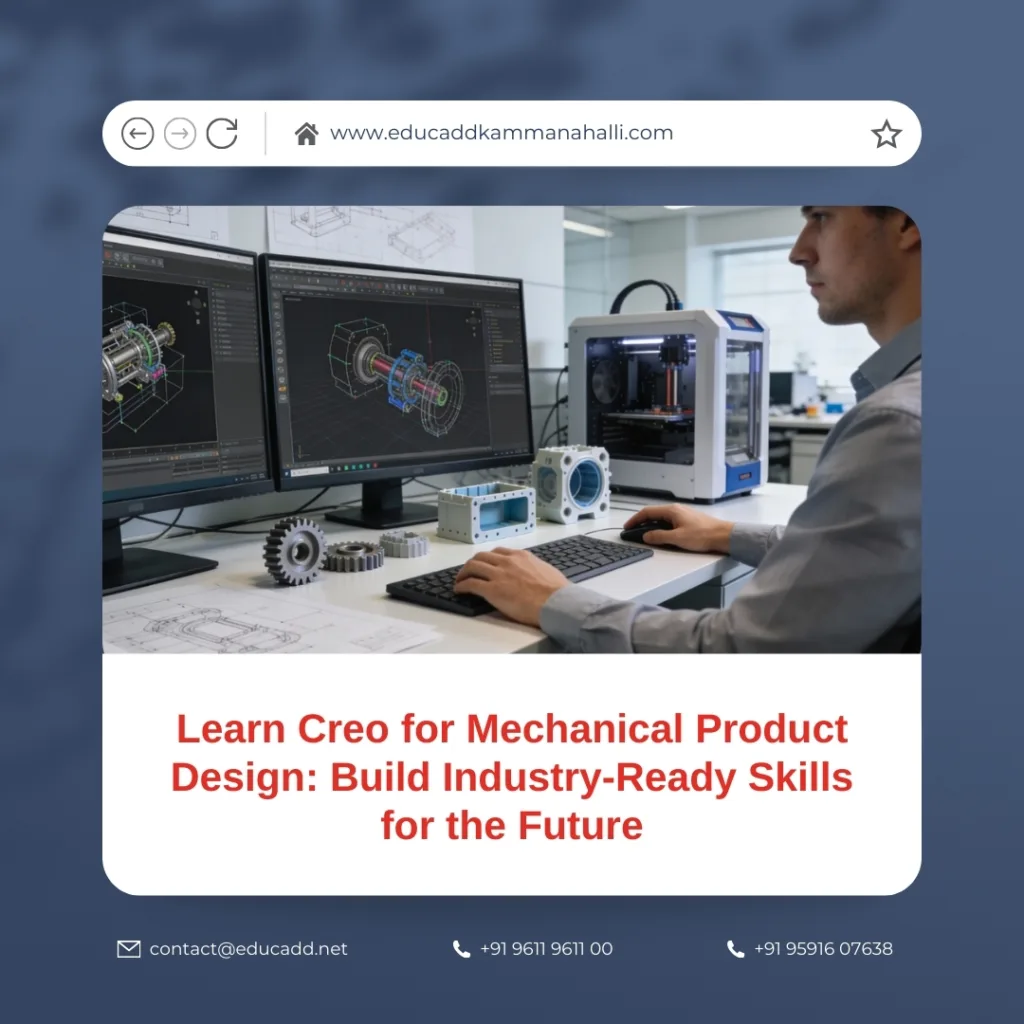
Creo Mechanical Product Design
Creo enables designers to create intelligent 3D models, manage complex assemblies, simulate real-life conditions, and generate production-ready documentation. As industries increasingly adopt digital workflows, learning Creo has become a strategic move for students, professionals, and organizations seeking efficiency and innovation. This blog explores Creo in depth, explaining why it matters, how it works, and how mastering it can elevate your mechanical design career.
1. Understanding Creo and Its Role in Mechanical Product Design
Creo is a parametric 3D CAD software developed by PTC and widely used across automotive, aerospace, consumer products, and industrial manufacturing sectors. It supports the complete product development lifecycle, from conceptualization to final manufacturing. Unlike traditional drafting tools, Creo allows designers to create models that respond dynamically to design changes.
When you learn Creo Mechanical Product Design, you work with feature-based modeling that ensures consistency and accuracy. Designers can control dimensions, constraints, and relationships, which results in intelligent models that adapt quickly. As a result, design revisions become faster, more accurate, and less prone to costly errors. Creo also supports advanced surfacing, sheet metal design, and direct modeling, making it suitable for both simple and complex mechanical products.
2. Why Creo Is Preferred by Mechanical Design Professionals
Creo stands out due to its robustness, flexibility, and scalability. Many global manufacturers prefer Creo because it handles large assemblies without compromising performance. This advantage becomes critical when working on complex mechanical systems involving thousands of components.
Another reason professionals learn Creo for mechanical product design is its strong parametric foundation. Parametric modeling allows designers to control geometry using dimensions and relationships. This capability ensures design intent remains intact throughout development. Moreover, Creo integrates seamlessly with analysis, simulation, and manufacturing tools. As a result, teams can collaborate efficiently and reduce design-to-production cycles.
3. Core Features That Make Creo a Powerful Design Tool
Creo offers a comprehensive set of features tailored to mechanical engineers. These include part modeling, assembly design, drafting, and advanced surfacing. Each module plays a vital role in building accurate and functional products.
Parametric modeling enables designers to define geometry logically. Assembly management tools allow engineers to test fit, motion, and interference early. Additionally, Creo supports real-time rendering and visualization, which enhances communication with stakeholders. When you learn Creo for mechanical product design, these features help bridge the gap between creativity and manufacturability.
4. Learning Creo Fundamentals: Starting with Solid Modeling
Solid modeling forms the foundation of mechanical product design. Creo provides powerful sketching and feature creation tools that help designers build precise 3D parts. Features such as extrusions, revolutions, sweeps, and blends allow engineers to model complex geometry with ease.
Sketch constraints and dimensions ensure accuracy and consistency throughout the design. When changes occur, the model updates automatically, saving time and reducing errors. Learning solid modeling in Creo helps designers understand design intent, which is essential for creating reliable and scalable products.
5. Assembly Design and Component Management in Creo
Assembly design is where individual components come together to form a complete product. Creo offers advanced assembly tools that allow designers to position parts using constraints such as mates, aligns, and inserts. These tools ensure accurate component placement and realistic movement.
When you learn Creo for mechanical product design, assembly management becomes intuitive. Designers can detect interferences, analyze clearances, and simulate motion early in the design phase. This proactive approach reduces costly manufacturing issues and improves product reliability.
6. Advanced Surfacing Techniques for Complex Product Geometry
Many modern products require complex shapes that standard solid modeling cannot achieve easily. Creo’s advanced surfacing tools allow designers to create smooth, aesthetic, and functional surfaces. These tools are particularly useful in automotive, consumer electronics, and industrial equipment design.
By learning advanced surfacing in Creo, designers gain control over curves, transitions, and surface continuity. As a result, products achieve both visual appeal and functional performance. This skill becomes especially valuable when working on ergonomic or aerodynamically sensitive designs.
7. Sheet Metal Design Capabilities in Creo
Sheet metal design is a critical area in mechanical engineering. Creo provides specialized tools for creating bends, flanges, and flat patterns. These tools follow manufacturing standards and ensure accurate fabrication.
When professionals learn Creo for mechanical product design, sheet metal modules help them design parts that are both functional and manufacturable. Flat pattern generation simplifies production planning and reduces errors during fabrication. Consequently, engineers can communicate effectively with manufacturing teams.
8. Simulation and Analysis for Design Validation
Design validation is essential before moving to production. Creo integrates simulation tools that allow engineers to test designs under real-world conditions. These tools include structural, thermal, and motion analysis.
By simulating loads and stresses, designers can identify weaknesses early. Learning simulation in Creo helps engineers optimize designs for strength, weight, and performance. As a result, products become safer, more efficient, and cost-effective.
9. Drafting and Documentation for Manufacturing Excellence
Manufacturing requires precise documentation. Creo’s drafting tools enable designers to create detailed 2D drawings directly from 3D models. These drawings include dimensions, tolerances, and annotations that comply with industry standards.
When you learn Creo for mechanical product design, drafting becomes faster and more accurate. Any change in the 3D model updates the drawing automatically. This associative behavior ensures consistency and reduces documentation errors.
10. Design for Manufacturing and Assembly (DFMA) Using Creo
DFMA principles focus on simplifying products for efficient manufacturing and assembly. Creo supports DFMA by allowing designers to evaluate manufacturability during the design phase. Features such as tolerance analysis and assembly simulation help identify potential issues early.
Learning Creo with a DFMA approach ensures designs are practical and cost-effective. Engineers can reduce part count, simplify assembly processes, and improve overall product quality. This approach aligns design decisions with business objectives.
11. Creo in Industry Applications and Real-World Projects
Creo is widely used across industries such as automotive, aerospace, medical devices, and industrial machinery. Companies rely on Creo for its reliability and advanced capabilities. When engineers learn Creo for mechanical product design, they become industry-ready professionals.
Real-world projects often involve collaborative workflows. Creo supports data management and version control, which enhances teamwork. Exposure to industry-oriented projects during learning builds confidence and practical expertise.
12. Career Opportunities After Learning Creo
Mastering Creo opens doors to various career paths. Mechanical design engineers, product development engineers, CAD specialists, and tooling designers all benefit from Creo expertise. Industries actively seek professionals who can handle end-to-end product design workflows.
When you learn Creo for mechanical product design, you gain a competitive edge in the job market. Employers value candidates who understand both design theory and practical application. As a result, career growth becomes faster and more sustainable.
13. Best Practices for Learning Creo Effectively
Effective learning requires a structured approach. Beginners should start with fundamentals and gradually move to advanced topics. Regular practice reinforces concepts and builds confidence.
Hands-on projects play a crucial role when learning Creo for mechanical product design. Working on real-life examples enhances problem-solving skills. Additionally, staying updated with software advancements ensures long-term relevance.
14. The Future of Mechanical Product Design with Creo
The future of mechanical product design lies in digital integration and smart manufacturing. Creo continues to evolve with features such as model-based definition and augmented reality support. These advancements improve collaboration and reduce development time.
When designers learn Creo for mechanical product design, they prepare for future industry demands. The software’s adaptability ensures it remains relevant in evolving engineering landscapes. Therefore, investing time in learning Creo is a forward-thinking decision.
Conclusion
Learning Creo Mechanical Product Design is more than acquiring software skills; it is about developing a comprehensive design mindset. Creo empowers engineers to create accurate, efficient, and innovative products while aligning with industry standards. From solid modeling to simulation and documentation, the software supports every stage of product development.
As industries continue to demand skilled mechanical designers, Creo proficiency becomes a valuable asset. By mastering this tool, professionals enhance their employability, creativity, and technical confidence. Ultimately, learning Creo equips you to design the future with precision, efficiency, and innovation.

