
Mastering Interior Design Drafting Techniques Using CAD for Precision, Creativity, and Professional Excellence
Interior spaces shape how people live, work, and feel every day. From residential apartments to commercial offices, every successful project begins with clear drawings and precise planning. In the past, designers relied heavily on manual sketches and drafting boards. However, the industry has transformed with the rise of digital tools. Today, Interior Design CAD Drafting play a critical role in turning creative ideas into detailed construction-ready drawings.
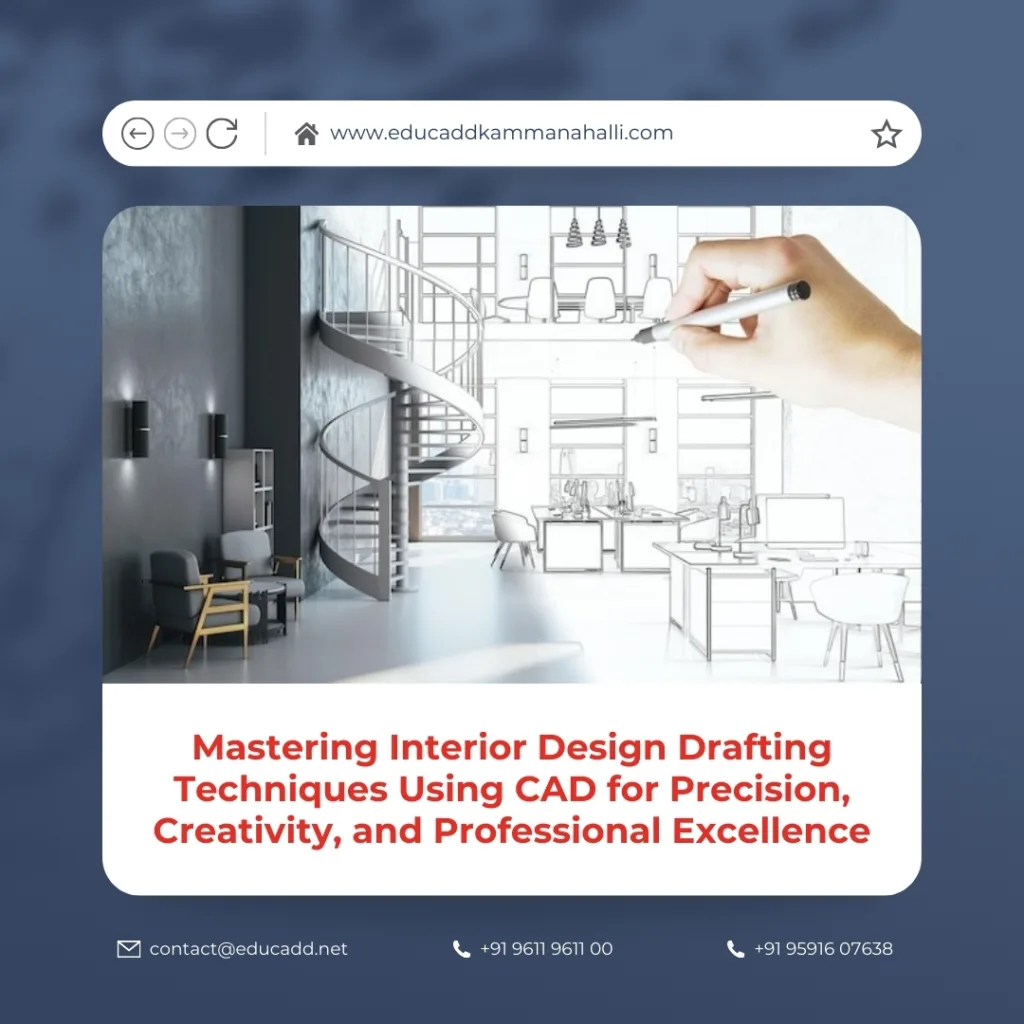
Interior Design CAD Drafting
Computer-Aided Design, commonly known as CAD, empowers interior designers to draft accurate layouts, create detailed elevations, develop lighting plans, and generate 3D visualizations with efficiency. More importantly, it improves collaboration between designers, architects, contractors, and clients. This blog explores Interior Design Drafting Techniques Using CAD in depth, covering practical methods, tools, workflows, standards, and best practices that every modern interior professional must understand.
1. Understanding the Foundation of Interior Drafting
Interior drafting forms the technical backbone of interior design projects. Designers use drafting to communicate layout plans, dimensions, materials, and finishes clearly. Without accurate drafting, even the most creative design concepts fail during execution.
Interior Design CAD Drafting begin with understanding scale, proportion, and space planning principles. Designers must interpret client requirements, site conditions, and functional needs before creating drawings. They then translate these requirements into measurable digital layouts.
Moreover, drafting ensures that furniture placement, circulation paths, and structural elements align with building codes and ergonomic standards. With CAD software, designers can test various layout options quickly. As a result, they refine concepts without wasting time or materials.
2. Evolution from Manual Drafting to CAD
Before digital tools emerged, designers created drawings using pencils, rulers, and drafting tables. While manual drafting built strong fundamentals, it required significant time and effort. Corrections often meant redrawing entire sheets.
Interior Design Drafting Techniques Using CAD revolutionized this process. CAD allows designers to modify drawings instantly. Instead of erasing and redrawing, they adjust dimensions, layers, and elements with precision.
Furthermore, CAD reduces human error. It ensures accurate measurements and alignment. Designers can also duplicate objects, create blocks, and use templates to maintain consistency. Consequently, productivity increases while project timelines shorten.
The transition from manual to digital drafting also improved collaboration. Designers now share digital files with engineers and contractors, which streamlines coordination.
3. Essential CAD Software for Interior Designers
Interior designers rely on various CAD platforms to execute projects effectively. Some widely used tools include AutoCAD, SketchUp, Revit, and ArchiCAD. Each software offers unique features tailored to different project needs.
Interior Design Drafting Techniques Using CAD often begin with 2D drafting in AutoCAD. Designers create floor plans, elevations, and sections with precise dimensions. SketchUp supports quick 3D modeling and conceptual visualization. Revit and ArchiCAD provide Building Information Modeling (BIM) capabilities, which integrate architectural and interior elements.
Choosing the right tool depends on project scale, client expectations, and collaboration requirements. However, mastering at least one primary CAD platform remains essential for professional growth.
4. Setting Up CAD Drawings for Interior Projects
Every successful drawing starts with proper setup. Designers must define units, scales, layers, and templates before drafting. This initial preparation ensures clarity and organization.
Interior Design Drafting Techniques Using CAD emphasize layer management. Designers assign separate layers for walls, furniture, lighting, electrical elements, and annotations. This approach simplifies editing and improves visibility.
Additionally, setting up title blocks, dimension styles, and text styles maintains consistency across sheets. Templates help designers save time in future projects. Therefore, investing effort in proper setup enhances efficiency throughout the drafting process.
5. Creating Accurate Floor Plans
Floor plans form the foundation of interior drafting. They show spatial relationships, room dimensions, furniture layouts, and circulation paths.
Using Interior Design CAD Drafting, designers draw walls with precise measurements. They insert doors and windows using standard blocks. Furniture layouts are then added to evaluate functionality and comfort.
Moreover, CAD allows designers to adjust layouts quickly. If a client requests changes, modifications can be completed within minutes. Accurate floor plans also help contractors understand construction requirements clearly.
6. Developing Elevations and Sections
While floor plans show horizontal layouts, elevations and sections provide vertical details. These drawings highlight wall treatments, cabinetry, ceiling designs, and material finishes.
Interior Design Drafting Techniques Using CAD simplify the creation of elevations. Designers project floor plan data vertically and add detailed dimensions. They specify materials, textures, and finishes clearly.
Sections reveal hidden structural elements and installation details. Consequently, contractors gain a complete understanding of construction requirements. Detailed elevations and sections reduce errors during execution.
7. Furniture and Fixture Detailing
Interior projects require custom furniture, built-in storage units, and specialized fixtures. Therefore, detailed drawings become essential.
Interior Design Drafting Techniques Using CAD allow designers to draft joinery details, wardrobe sections, kitchen layouts, and modular systems precisely. They include dimensions, hardware specifications, and material descriptions.
Additionally, designers create exploded views to explain assembly instructions. Clear detailing ensures accurate fabrication and installation. As a result, projects achieve higher quality standards.
8. Lighting and Electrical Drafting
Lighting design significantly influences ambiance and functionality. CAD tools help designers create comprehensive lighting layouts and electrical plans.
Interior Design Drafting Techniques Using CAD include marking light fixtures, switches, power outlets, and wiring paths. Designers use symbols and legends to maintain clarity.
Furthermore, they calculate spacing and placement to achieve uniform illumination. Coordinating lighting plans with ceiling layouts ensures seamless integration. Proper electrical drafting enhances safety and efficiency.
9. Material and Finish Documentation
Material selection defines the aesthetic and functional character of interiors. However, documentation ensures correct implementation.
Interior Design Drafting Techniques Using CAD help designers annotate finishes clearly. They create finish schedules, material legends, and surface details. Each element receives a specific code for easy reference.
Moreover, CAD supports hatch patterns and texture representation. These features visually communicate materials in drawings. Clear documentation prevents confusion during construction.
10. 3D Modeling and Visualization
While 2D drawings communicate technical information, 3D modeling enhances visualization. Clients often struggle to interpret flat drawings.
Interior Design Drafting Techniques Using CAD integrate 3D modeling to present realistic views. Designers create volumetric models of spaces, furniture, and decor elements. Rendering tools add lighting effects and textures.
Consequently, clients understand the design intent more clearly. They make informed decisions before construction begins. Visualization also reduces revision cycles.
11. Working Drawings and Construction Documentation
Working drawings guide contractors during execution. They include all technical details necessary for construction.
Interior Design Drafting Techniques Using CAD ensure that working drawings remain precise and comprehensive. Designers include dimensions, notes, schedules, and references. They also coordinate drawings with structural and MEP systems.
Accurate documentation minimizes site errors. It also reduces project delays and cost overruns. Therefore, thorough working drawings represent professional excellence.
12. Collaboration and Coordination
Interior projects involve multiple stakeholders. Architects, engineers, contractors, and clients must collaborate effectively.
Interior Design Drafting Techniques Using CAD facilitate seamless coordination. Designers share digital files, cloud-based models, and collaborative platforms. Changes reflect instantly across drawings.
Additionally, CAD supports version control and file management. This feature prevents miscommunication and ensures alignment among team members. Effective collaboration leads to smoother project delivery.
13. Quality Control and Best Practices
Maintaining accuracy remains essential in drafting. Designers must review drawings carefully before submission.
Interior Design Drafting Techniques Using CAD include checking dimensions, layer organization, annotation clarity, and scale accuracy. Regular audits prevent errors from reaching construction stages.
Best practices also involve using standardized symbols and naming conventions. Consistency improves readability and professionalism. Continuous learning keeps designers updated with evolving technologies.
14. Career Growth Through CAD Mastery
The demand for skilled interior designers continues to grow globally. Employers seek professionals who combine creativity with technical expertise.
Interior Design Drafting Techniques Using CAD strengthen career prospects significantly. Designers who master CAD tools deliver efficient, high-quality projects. They handle complex assignments confidently.
Moreover, CAD proficiency opens opportunities in residential, commercial, hospitality, and retail sectors. Professionals who adapt to digital workflows remain competitive in the evolving design industry.
Conclusion
Interior design requires more than artistic vision. It demands precision, clarity, and technical competence. Interior Design CAD Drafting empower designers to transform creative concepts into accurate, buildable drawings. From floor plans and elevations to lighting layouts and 3D visualizations, CAD supports every stage of the design process.
Furthermore, these techniques improve collaboration, reduce errors, and enhance client satisfaction. As technology advances, interior professionals must embrace digital tools to remain relevant and competitive. By mastering Interior Design Drafting Techniques Using CAD, designers not only elevate their projects but also secure long-term professional success in the dynamic world of interior design.

