
Photoshop for Interior Designers: Turn Creative Concepts into Stunning Visual Spaces
Introduction
Interior design is no longer limited to sketches, floor plans, and physical material samples. Today, designers need to present ideas in a way that clients can understand quickly. This is where Photoshop for Interior Designers becomes a valuable skill. Adobe Photoshop helps designers transform basic drawings, renders, photographs, and mood boards into polished visual presentations.
With the right techniques, designers can change wall colours, improve lighting, add furniture, create material textures, develop mood boards, and present realistic concepts. As a result, clients can understand the proposed space before actual work begins. Learning Photoshop also helps interior designers communicate their ideas more creatively and professionally.
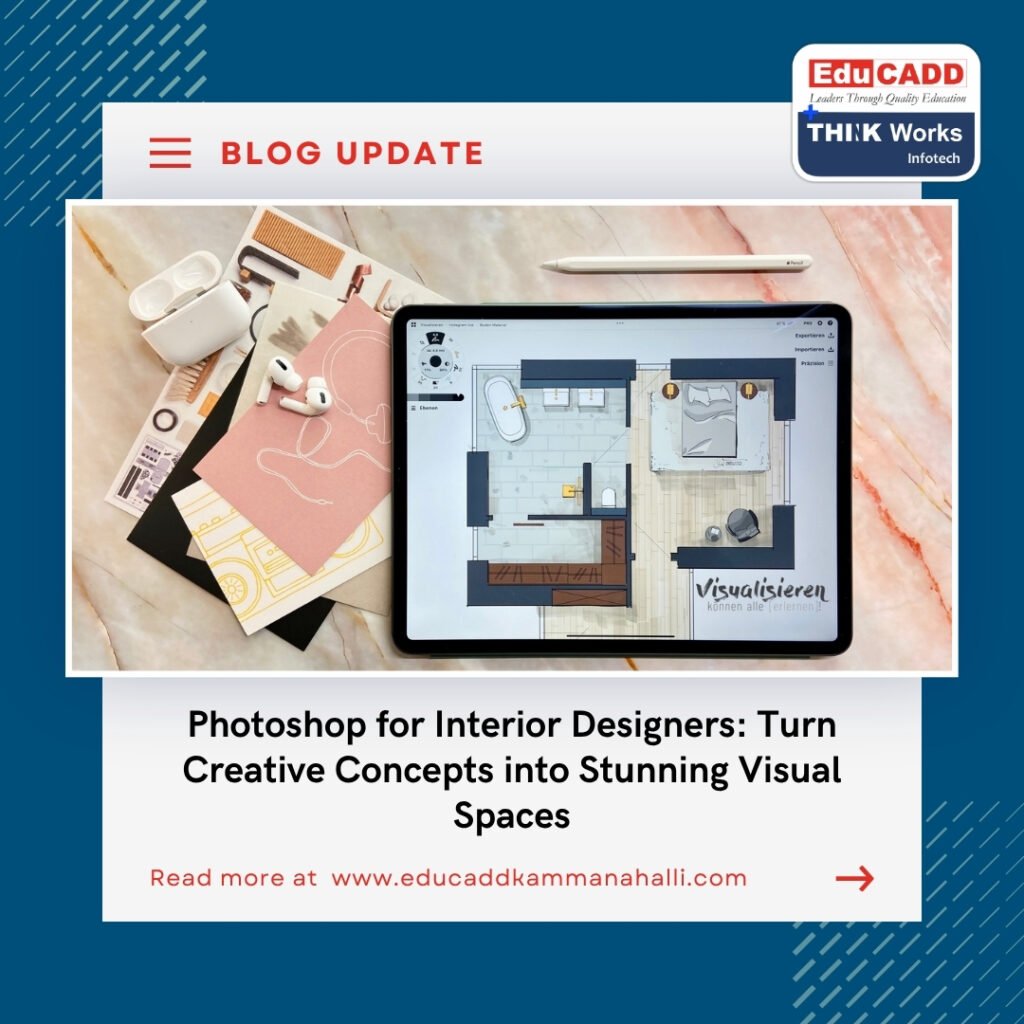
Photoshop for Interior Designers
Why Photoshop Matters in Modern Interior Design
Interior designers work with many visual elements every day. A concept may begin with a rough sketch or a 3D model. However, the final presentation often needs additional refinement. Photoshop for Interior Designers provides tools that can improve these presentations without requiring the entire design to be recreated.
Designers can use Photoshop to enhance architectural drawings and interior renders. They can also combine different design elements into one realistic composition. For example, a designer can take a basic living room render and add curtains, plants, artwork, lighting effects, and decorative accessories.
Moreover, Photoshop gives designers greater control over visual communication. Instead of explaining every design decision verbally, they can show clients a realistic representation.
This makes presentations more engaging and easier to understand.
Creating Realistic Interior Design Presentations
One of the biggest benefits of Photoshop is its ability to improve the realism of interior presentations. A basic render may communicate the structure of a room, but post-production can make it feel more complete.
Designers can adjust:
- Wall colours and finishes
- Flooring materials
- Furniture textures
- Lighting and shadows
- Curtains and fabrics
- Decorative accessories
- Indoor plants
- Artwork and wall décor
- Reflections and highlights
- Overall colour balance
These adjustments can dramatically change the appearance of a design.
For example, a designer may create a modern bedroom using neutral colours. Later, the client may request a warmer atmosphere. Instead of rebuilding the entire model, the designer can modify colours, lighting, and materials in Photoshop.
Therefore, Photoshop skills for interior design can save time while improving presentation quality.
Photoshop for Interior Designers and Material Visualization
Materials have a major impact on interior spaces. Clients often want to see how marble, wood, fabric, tiles, wallpaper, or paint will look in the proposed design.
Photoshop allows designers to experiment with different materials quickly. A texture can be placed over a surface and adjusted to match the perspective of the room.
For instance, a designer can create multiple versions of a kitchen using different cabinet finishes. One version might use natural wood, while another uses matte laminate. A third version could feature a darker contemporary finish.
This approach helps clients compare alternatives without creating completely new designs each time.
Designers can also control opacity, blending, shadows, and highlights. As a result, materials can appear more natural within the scene.
Enhancing Interior Renders with Photoshop
3D rendering software can create detailed interior visuals. However, post-production often adds the final layer of polish. Photoshop can help designers correct small visual problems and strengthen the overall composition.
A designer can adjust brightness, contrast, saturation, and colour temperature. They can also add atmospheric effects that make a space feel more natural.
For example, sunlight can be enhanced around windows. Shadows can be softened to create a warmer appearance. Decorative objects can be added to make an empty room feel lived-in.
The process usually follows a simple workflow:
- Import the interior render into Photoshop.
- Organize elements using separate layers.
- Correct lighting and colour.
- Add materials and decorative objects.
- Improve shadows and highlights.
- Apply final colour adjustments.
- Export the completed presentation.
This workflow gives designers more control over the final visual result.
Creating Professional Interior Design Mood Boards
Mood boards are essential for communicating the personality of an interior space. They bring together colours, textures, materials, furniture styles, lighting references, and decorative elements.
Photoshop is particularly useful for creating customized mood boards. Designers can arrange images in a clean composition and maintain a consistent visual theme.
A strong mood board can include:
- Colour palettes
- Material samples
- Furniture references
- Fabric textures
- Lighting ideas
- Flooring references
- Wall finishes
- Decorative accessories
- Architectural inspirations
For example, a designer working on a luxury living room may combine marble textures, warm lighting, velvet furniture, metallic accents, and neutral colours. The completed mood board can then guide the design process.
More importantly, it gives clients a visual understanding of the proposed design direction.
Editing Furniture and Decorative Elements
Interior spaces often require changes during the design process. A client may want to replace a sofa, change a dining table, or experiment with different artwork.
Photoshop makes these changes easier during the presentation stage. Designers can isolate objects and place alternatives within an existing scene.
This technique is particularly useful when creating design options. Instead of preparing completely separate presentations, designers can create variations from the same base composition.
For example, a living room can be presented with:
- A contemporary sofa
- A classic sofa
- A sectional seating arrangement
The same room can then be shown with different rugs, curtains, wall colours, and lighting styles.
This improves client interaction and helps designers understand preferences before finalizing the concept.
Using Layers for Better Design Control
Layers are one of the most important concepts in Photoshop for Interior Designers. They allow designers to work on different elements independently.
A typical interior design Photoshop file may contain separate layers for the background, walls, flooring, furniture, lighting, shadows, plants, artwork, and colour adjustments.
This organization provides flexibility. If a client wants to change the flooring, the designer can modify the flooring layer without disturbing other elements.
Similarly, lighting adjustments can be changed independently from furniture.
Good layer management also makes large projects easier to handle. Designers can name and organize layers according to their function. This creates a cleaner workflow and reduces unnecessary editing time.
Creating Before-and-After Interior Concepts
Before-and-after visuals are useful for presentations and marketing. They clearly show the transformation created by a design concept.
A designer can begin with an existing room photograph. Photoshop can then be used to modify wall colours, furniture, flooring, lighting, artwork, and accessories.
The original photograph can be displayed beside the redesigned version.
This approach helps clients visualize the potential of an existing space. It can also support portfolio development because designers can demonstrate their creative process.
For interior design businesses, these visuals can also become useful marketing content for websites and social media.
Photoshop for Interior Design Portfolio Creation
A professional portfolio plays an important role in an interior designer’s career. It demonstrates creativity, technical ability, design thinking, and presentation skills.
Photoshop can help designers create polished portfolio pages from their projects.
A portfolio project can include:
- Concept development
- Mood board
- Material selection
- Floor plan
- 3D visualization
- Photoshop post-production
- Final interior presentation
Showing the design journey gives potential clients and employers a better understanding of the designer’s process.
A well-organized portfolio can also highlight Photoshop expertise alongside other industry software.
Combining Photoshop with Other Interior Design Software
Photoshop does not replace 3D modelling or CAD software. Instead, it works alongside them.
Interior designers may use different tools for different stages of a project. CAD software can support technical drawings. 3D applications can help create models and renders. Photoshop can then enhance the final visual presentation.
A common workflow may look like this:
CAD drawing → 3D modelling → Rendering → Photoshop post-production → Client presentation
This combination creates a complete digital design workflow.
Therefore, learning Photoshop for Interior Designers becomes even more valuable when combined with knowledge of CAD, 3D visualization, and interior design principles.
Essential Photoshop Skills for Interior Designers
Interior designers do not necessarily need to master every Photoshop feature. Instead, they should focus on tools that directly support their professional workflow.
Important skills include:
- Layer management
- Selection techniques
- Masking
- Blending modes
- Colour correction
- Image retouching
- Perspective adjustments
- Texture application
- Lighting effects
- Shadow creation
- Object placement
- Image composition
These skills can help designers create realistic and visually appealing presentations.
As designers gain experience, they can explore advanced techniques such as perspective manipulation, custom brushes, advanced masking, and detailed photo compositing.
Improving Client Communication Through Visuals
Interior design involves constant communication between designers and clients. Sometimes, technical descriptions are difficult for clients to understand.
Visual presentations solve this problem.
Instead of explaining how a warm wooden finish might look against a neutral wall, designers can show the combination directly. Similarly, different lighting concepts can be demonstrated through visual alternatives.
This creates a more interactive design process.
Clients can respond to what they see and provide specific feedback. Designers can then make adjustments before construction or installation begins.
Consequently, Photoshop for Interior Designers supports both creativity and communication.
Building Career Opportunities with Photoshop Skills
Digital presentation skills can add value to an interior designer’s professional profile. Many studios expect designers to communicate concepts through polished drawings, mood boards, and visual presentations.
Photoshop knowledge can support roles such as:
- Interior Designer
- Interior Visualizer
- 3D Visualization Artist
- Design Presentation Specialist
- Junior Interior Designer
- Interior Design Consultant
- Architectural Visualization Artist
However, Photoshop works best as part of a broader skill set. Designers should also understand space planning, materials, colour theory, furniture layouts, lighting, and design principles.
Combining creative knowledge with technical skills can create stronger professional opportunities.
How to Learn Photoshop for Interior Design Effectively
Learning Photoshop becomes easier when students practice with real interior design examples. Instead of focusing only on individual tools, learners should understand how those tools fit into an actual project.
A practical learning approach can include:
- Start with basic Photoshop tools.
- Learn layers and selections.
- Practice masking and object isolation.
- Work with interior photographs.
- Experiment with materials and textures.
- Create simple mood boards.
- Practice render enhancement.
- Build complete interior presentation sheets.
- Create portfolio-ready projects.
Regular practice is important. Even a simple room can provide many opportunities to practice colour changes, material replacement, lighting adjustments, and composition.
Over time, these exercises can develop both technical confidence and visual judgment.
The Growing Importance of Digital Visualization
Interior design is becoming increasingly visual. Clients want to understand how a space will look before committing to materials, furniture, and construction.
Digital visualization helps designers communicate ideas faster. It also allows multiple design directions to be explored before implementation.
Photoshop remains useful because it provides flexibility after a design has been rendered or photographed. Designers can refine details, test alternatives, and create polished presentations.
As design workflows become more digital, professionals who understand visual editing can communicate their ideas more effectively.
Conclusion
Photoshop for Interior Designers is an important digital skill for creating polished, realistic, and engaging interior presentations. From material visualization and mood boards to render enhancement and portfolio creation, Photoshop supports many stages of the interior design workflow.
More importantly, it helps designers turn technical concepts into visuals that clients can understand easily. When combined with CAD, 3D modelling, rendering, and strong interior design knowledge, Photoshop becomes a powerful part of a professional designer’s toolkit.
For aspiring interior designers, learning Photoshop through practical projects can build valuable presentation skills. With consistent practice, designers can create stronger concepts, improve client communication, and present their creative ideas with greater clarity and confidence.

