
Mastering Resource Planning and Leveling in Primavera P6 for High-Performance Project Delivery
Primavera P6 Resource Planning plays a decisive role in delivering complex projects on time and within budget. Whether you manage infrastructure, commercial construction, oil and gas, manufacturing, or EPC contracts, effective resource control determines project success. Many project schedules look perfect on paper, yet they fail in execution due to poor resource allocation. That gap between planning and reality is where Primavera P6 becomes a powerful strategic tool.
Modern projects demand more than timeline management. They require accurate forecasting of labor, equipment, and material usage across every phase. When teams ignore structured resource planning, they encounter delays, cost overruns, idle crews, and overworked staff. However, when Resource Planning and Leveling in Primavera P6 is implemented correctly, project managers gain clarity, balance workloads, reduce conflicts, and increase productivity.
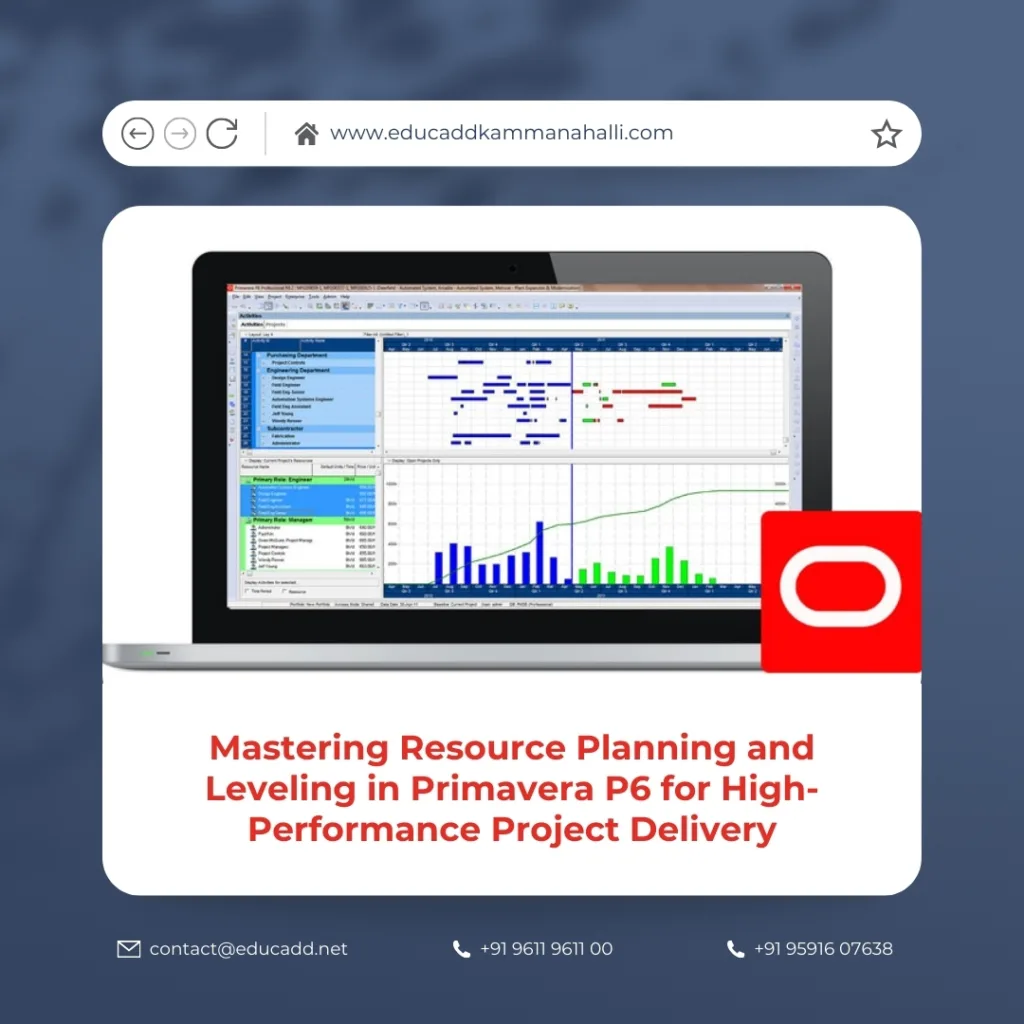
Primavera P6 Resource Planning
This comprehensive guide explores how to implement Primavera P6 Resource Planning effectively. You will understand core concepts, advanced techniques, best practices, and real-world strategies that improve project control and optimize performance.
1. Understanding the Foundation of Resource Planning in Primavera P6
Primavera P6 Resource Planning begins with understanding how the software handles resources. Primavera P6 allows you to assign different types of resources to activities, including labor, non-labor, and material resources. Each resource can have defined calendars, costs, units, and availability limits.
Resource planning focuses on estimating the required effort to complete project activities. Instead of simply defining durations, you determine how many engineers, supervisors, operators, or machines are needed. This approach creates realistic schedules rather than theoretical timelines.
Primavera P6 connects resource assignments directly to activity durations. When you adjust resource units, durations automatically update if you use effort-driven scheduling. This flexibility enables planners to simulate different scenarios quickly.
Moreover, Resource Planning and Leveling in Primavera P6 allows centralized resource pools. Organizations with multiple projects benefit significantly because they can track shared resources across portfolios. This prevents overallocation and ensures optimal utilization across departments.
Without structured planning, schedules become misleading. Therefore, mastering resource configuration lays the groundwork for effective leveling later in the project lifecycle.
2. Importance of Resource Planning in Complex Projects
Resource Planning and Leveling becomes critical in large-scale and multi-disciplinary projects. In such environments, resource conflicts occur frequently. Different departments compete for limited manpower and equipment.
When planners ignore resource constraints, the schedule may show parallel activities that require the same crew. In reality, teams cannot perform both tasks simultaneously. As a result, delays become unavoidable.
Effective resource planning delivers several advantages:
-
Improves cost forecasting accuracy
-
Reduces idle time and productivity losses
-
Enhances workforce management
-
Minimizes scheduling conflicts
-
Supports realistic deadline commitments
Additionally, it strengthens communication between project managers and department heads. Resource-based planning shifts focus from “when” to “how and with what capacity.” This shift improves decision-making significantly.
Organizations that prioritize Resource Planning and Leveling in Primavera P6 often report better resource productivity and fewer schedule disruptions.
3. Types of Resources in Primavera P6
Primavera P6 Resource Planning requires clarity about resource categories. Primavera P6 supports three main types:
Labor Resources
These include engineers, technicians, supervisors, welders, and operators. Labor resources are usually measured in hours and linked to specific calendars.
Non-Labor Resources
These represent equipment such as cranes, excavators, concrete pumps, and vehicles. Equipment availability directly affects activity feasibility.
Material Resources
These include consumable items like steel, concrete, cables, and pipes. Material resources help track quantities and cost flow.
Each resource can have defined maximum units per time period. This parameter becomes critical during resource leveling. When assigned units exceed the maximum limit, overallocation occurs.
Proper categorization improves reporting accuracy. It also enhances decision-making during leveling simulations.
Therefore, before implementing Resource Planning and Leveling in Primavera P6, you must structure your resource dictionary correctly.
4. Steps to Assign Resources in Primavera P6
Resource Planning and Leveling starts with systematic resource assignment. The process typically includes:
-
Create resource hierarchy in Enterprise Resource Dictionary
-
Define calendars and availability
-
Assign cost rates
-
Link resources to activities
-
Specify units and budgets
While assigning resources, planners must evaluate realistic productivity rates. For example, if one crew installs 100 meters of piping per day, activity duration should reflect that production rate.
Overestimation leads to inflated budgets. Underestimation causes schedule pressure later. Therefore, accurate historical data improves planning reliability.
Moreover, Primavera P6 provides resource usage profiles. These graphical tools help visualize workload distribution across the project timeline.
Effective resource assignment strengthens Resource Planning and Leveling in Primavera P6 because leveling relies on accurate initial inputs.
5. Identifying Resource Overallocation Early
One of the strongest features of Resource Planning and Leveling is early detection of resource conflicts. Primavera highlights overallocation when assigned units exceed maximum availability.
You can identify overallocation using:
-
Resource Usage Profile
-
Resource Usage Spreadsheet
-
Activity Details resource tab
-
Portfolio-level resource analysis
Early identification prevents cascading delays. Instead of reacting during execution, planners can adjust schedules proactively.
Furthermore, Primavera allows grouping and sorting by resource name. This helps identify which teams or equipment face the highest pressure.
By continuously monitoring resource histograms, project managers gain better visibility. Consequently, decision-making improves significantly.
6. What Is Resource Leveling in Primavera P6?
Resource Planning and Leveling in Primavera P6 includes two distinct processes: planning and leveling. Planning estimates resource needs. Leveling resolves conflicts caused by limited availability.
Resource leveling automatically delays or splits activities to eliminate overallocation. Primavera P6 uses leveling priorities and float values to determine which activities move first.
The leveling engine evaluates:
-
Total float
-
Activity priority
-
Activity type
-
Constraint dates
-
Relationships
When leveling runs, Primavera adjusts start and finish dates to ensure resource demand never exceeds maximum availability.
However, leveling does not replace managerial judgment. Instead, it provides structured scenarios that planners can review and refine.
Thus, understanding leveling mechanics enhances the effectiveness of Resource Planning and Leveling in Primavera P6.
7. Key Leveling Options and Settings
Primavera P6 Resource Planning offers several configuration settings that influence outcomes. Key options include:
Leveling Priority
Activities with higher priority remain fixed, while lower priority activities shift first.
Leveling Within Total Float
This setting restricts leveling to available float. It prevents extension of project completion dates unless necessary.
Level Resources Only Within Activity Total Float
This option protects critical path activities from unnecessary delays.
Preserve Scheduled Early and Late Dates
This ensures certain baseline parameters remain intact.
Choosing appropriate leveling settings requires strategic thinking. Blindly applying default settings may distort the schedule.
Experienced planners test multiple scenarios before finalizing decisions. They compare results using baseline comparison tools.
Therefore, careful configuration strengthens Resource Planning and Leveling in Primavera P6 significantly.
8. Impact of Resource Leveling on Critical Path
Resource Planning and Leveling in Primavera P6 directly influences the critical path. When leveling delays non-critical activities, float absorbs the shift. However, when float becomes zero, those activities may turn critical.
This shift can change the entire project strategy. Therefore, planners must re-evaluate the critical path after each leveling run.
Primavera recalculates total float automatically after leveling. This provides updated visibility of project risks.
If leveling extends project completion, managers must decide whether to increase resources or accept delay.
Thus, Resource Planning and Leveling in Primavera P6 becomes a dynamic process rather than a one-time activity.
9. Resource Smoothing vs Resource Leveling
Many professionals confuse smoothing with leveling. Resource Planning and Leveling in Primavera P6 clarifies the distinction.
Resource smoothing adjusts activities within available float without changing the project end date. It balances workload while protecting milestones.
Resource leveling, on the other hand, may extend project duration to eliminate conflicts.
Choosing between smoothing and leveling depends on project priorities. If deadline commitment is strict, smoothing becomes preferable.
Primavera provides flexibility to apply both techniques strategically.
10. Multi-Project Resource Management
Large organizations manage multiple projects simultaneously. Resource Planning and Leveling in Primavera P6 supports enterprise-level visibility.
Shared resource pools allow cross-project analysis. Managers can evaluate how one project affects another.
This feature prevents overcommitment across portfolios. It also improves strategic resource allocation.
Portfolio dashboards provide high-level insights. Executives can review utilization trends and forecast demand.
Therefore, Primavera P6 supports long-term workforce planning beyond individual project boundaries.
11. Cost Implications of Resource Planning
Resource Planning and Leveling in Primavera P6 strongly impacts cost management. Each resource carries a cost rate. When durations shift due to leveling, labor costs may increase.
Accurate planning improves earned value analysis. Planned Value and Actual Cost become more reliable.
Moreover, leveling helps avoid overtime expenses. Balanced schedules reduce emergency hiring.
Financial forecasting improves when resource curves align with cash flow projections.
Hence, integrating cost control with resource management enhances project profitability.
12. Best Practices for Effective Resource Leveling
To maximize Resource Planning and Leveling in Primavera P6, follow these best practices:
-
Use realistic productivity data
-
Avoid excessive constraints
-
Assign proper leveling priorities
-
Monitor resource histograms regularly
-
Recalculate schedule after changes
-
Maintain updated resource calendars
Additionally, communicate adjustments to stakeholders. Transparent reporting builds trust.
Successful organizations treat leveling as an iterative process rather than a final step.
13. Common Mistakes to Avoid
Despite powerful tools, planners often misuse Resource Planning and Leveling. Common mistakes include:
-
Ignoring resource calendars
-
Overloading critical path activities
-
Applying excessive constraints
-
Running leveling without reviewing settings
-
Failing to update actual progress
Such errors reduce schedule credibility.
Therefore, continuous training and review improve implementation quality.
14. Advanced Strategies for Optimized Resource Management
Advanced users leverage additional features to enhance Resource Planning and Leveling in Primavera P6.
They use:
-
Role-based resource planning
-
Resource curves for realistic distribution
-
Global change for bulk adjustments
-
Baseline comparison analysis
-
What-if scenario simulations
These strategies enable data-driven decisions.
Furthermore, integration with ERP systems strengthens enterprise resource management.
Organizations that invest in advanced resource analytics gain competitive advantage.
Conclusion
Primavera P6 Resource Planning stands at the core of professional project management. It transforms schedules from static timelines into dynamic execution models. When applied correctly, it eliminates resource conflicts, improves cost control, strengthens forecasting, and enhances productivity.
Modern projects demand more than simple Gantt charts. They require structured workforce planning, equipment allocation, and cost alignment. Primavera P6 provides the necessary tools, yet success depends on disciplined implementation.
By mastering Resource Planning and Leveling in Primavera P6, project professionals move from reactive problem-solving to proactive strategic management. Ultimately, balanced resources create stable schedules, and stable schedules drive successful project delivery.

