
AutoCAD for Interior Design: The Complete Professional Guide to Designing Stunning Interiors
Interior design today demands more than creativity alone. Designers must combine aesthetics with precision, technical accuracy, and clear communication. This is where AutoCAD Interior Design Guide becomes essential. AutoCAD allows interior designers to convert ideas into structured, measurable, and professional drawings that clients and contractors can trust.
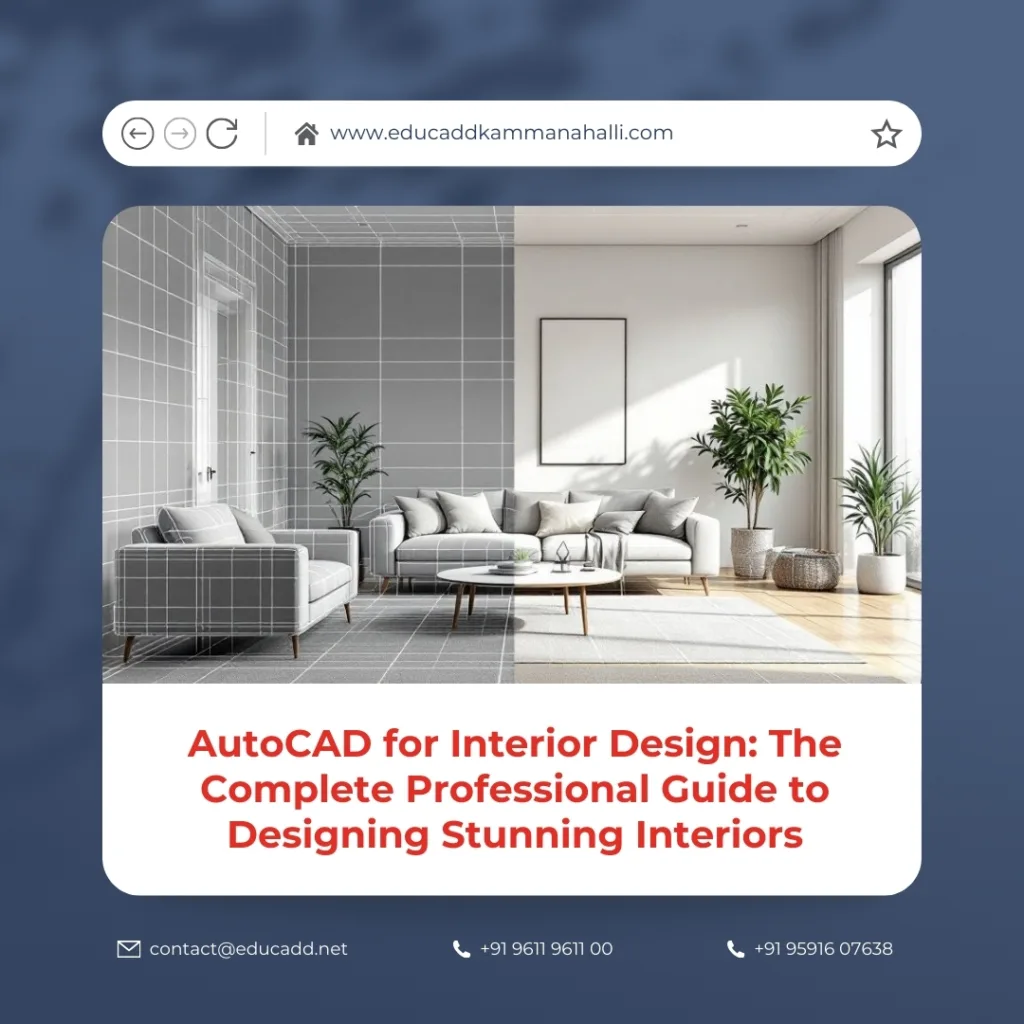
AutoCAD Interior Design Guide
Moreover, AutoCAD bridges the gap between concept and execution. It enables designers to create layouts, elevations, sections, lighting plans, and furniture details with absolute clarity. As a result, design errors reduce significantly, timelines improve, and collaboration becomes seamless. This complete guide explores how AutoCAD empowers interior designers at every stage of a project.
Understanding AutoCAD and Its Role in Interior Design
AutoCAD Interior Design Guide developed to create precise 2D and 3D drawings. In interior design, it functions as a technical backbone rather than just a drafting tool. Designers rely on AutoCAD to visualize spaces accurately while maintaining strict dimensional control.
Additionally, AutoCAD supports industry standards. This ensures that drawings remain universally understandable by architects, engineers, and contractors. Because of this compatibility, AutoCAD for interior design has become a global professional standard.
Why Interior Designers Prefer AutoCAD Over Manual Drafting
Manual drafting consumes time and increases the risk of errors. AutoCAD eliminates these challenges by offering speed, precision, and flexibility. Designers can modify layouts instantly without redrawing entire plans.
Furthermore, AutoCAD improves consistency across drawings. When changes occur, designers can update all related views efficiently. This capability saves time and enhances project accuracy. Therefore, AutoCAD for interior design significantly improves productivity and professional output.
Key AutoCAD Features Every Interior Designer Must Know
AutoCAD provides powerful tools tailored for interior design workflows. Layers help organize drawings efficiently. Designers can separate walls, furniture, lighting, and electrical layouts clearly.
Blocks also play a crucial role. By creating reusable components such as doors, windows, and furniture, designers maintain consistency and reduce repetitive work. Additionally, annotation tools allow accurate dimensioning and labeling, which is critical for execution.
Creating Accurate Floor Plans Using AutoCAD
Floor plans form the foundation of any interior design project. AutoCAD allows designers to draw walls, partitions, doors, and windows with exact measurements. This precision ensures that spaces function as intended.
Moreover, designers can experiment with layouts quickly. Furniture placement becomes easier to visualize and adjust. As a result, AutoCAD for interior design supports better space planning and functional design decisions.
Developing Detailed Elevations and Sections
Elevations and sections communicate design intent clearly. AutoCAD enables designers to create clean, scaled views of walls, cabinetry, and decorative elements. These drawings help clients understand design depth and proportions.
Sections further reveal construction details. Designers can illustrate material thickness, ceiling levels, and lighting recesses accurately. Consequently, AutoCAD improves clarity between design and execution teams.
Furniture Layouts and Custom Detailing in AutoCAD
Interior designers often work with both modular and custom furniture. AutoCAD allows detailed furniture layouts that reflect real dimensions. Designers can ensure proper circulation and ergonomic comfort.
Additionally, AutoCAD supports detailed joinery drawings. Custom wardrobes, kitchen units, and storage solutions can be drawn precisely. This level of detail minimizes misunderstandings during fabrication.
Lighting Design and Electrical Layouts with AutoCAD
Lighting transforms interior spaces. AutoCAD helps designers plan lighting layouts systematically. Designers can position fixtures, switches, and sockets accurately.
Electrical drawings created in AutoCAD Interior Design Guide follow standard symbols and conventions. This clarity ensures smooth coordination with electricians. Therefore, AutoCAD for interior design plays a vital role in functional and aesthetic lighting planning.
Material Specifications and Finishing Drawings
Material selection defines the character of a space. AutoCAD allows designers to annotate material specifications directly on drawings. Floor finishes, wall treatments, and ceiling details become easy to communicate.
Furthermore, designers can prepare detailed finish schedules. These documents ensure that contractors understand material types and installation methods. As a result, project execution aligns closely with the design vision.
3D Visualization Capabilities in AutoCAD
Although AutoCAD is primarily known for 2D drafting, it also supports basic 3D modeling. Interior designers can create simple 3D views to enhance spatial understanding.
These 3D representations help clients visualize scale and depth. While advanced rendering may require other software, AutoCAD remains valuable for quick conceptual models and technical clarity.
Collaboration with Architects and Contractors
Interior design rarely works in isolation. AutoCAD enables seamless collaboration across disciplines. Designers can share DWG files with architects, engineers, and contractors easily.
Moreover, AutoCAD supports version control and layering standards. This prevents confusion and ensures everyone works with accurate information. Therefore, AutoCAD for interior design strengthens teamwork and coordination.
AutoCAD Standards and Best Practices for Interior Designers
Professional interior designers follow drawing standards. AutoCAD supports industry-accepted line types, scales, and annotations. Maintaining these standards enhances credibility and professionalism.
Best practices include organized layering, clear naming conventions, and consistent dimension styles. These habits improve readability and reduce errors. Over time, disciplined use of AutoCAD leads to faster and cleaner workflows.
Learning AutoCAD for Interior Design: Skills That Matter
Learning AutoCAD requires both technical and design understanding. Interior designers must focus on commands relevant to drafting, annotation, and layout creation.
Practice plays a critical role. Working on real-world interior projects helps designers build confidence and efficiency. With continuous learning, AutoCAD for interior design becomes an intuitive and powerful tool.
Career Benefits of Mastering AutoCAD for Interior Design
AutoCAD proficiency enhances employability. Design firms actively seek professionals who can produce accurate drawings independently. Freelancers also benefit from faster project delivery and client trust.
Additionally, AutoCAD skills open doors to larger projects and collaborations. Designers gain the ability to handle complex layouts and detailed documentation. As a result, career growth accelerates significantly.
Conclusion
AutoCAD continues to be the cornerstone of professional interior design. It combines creativity with precision, allowing designers to transform ideas into buildable realities. From floor plans to furniture details, AutoCAD supports every stage of the design process.
Ultimately, mastering AutoCAD Interior Design Guide empowers designers to work confidently, communicate clearly, and deliver exceptional results. In an industry driven by accuracy and aesthetics, AutoCAD remains an indispensable skill for long-term success.

