
Learn CAD the Smart Way: A Practical Guide to Building Real-World Design Skills
Introduction
Computer-Aided Design has changed the way engineers, architects, designers, and manufacturers create ideas. Today, companies use digital design tools to develop accurate drawings, models, layouts, and technical plans. As industries become more technology-driven, learning these skills can open the door to many career opportunities. However, many beginners wonder where to start and how to Learn CAD Design Skills without feeling overwhelmed.
The good news is that anyone can build strong CAD skills with the right learning plan. You do not need to master every tool at once. Instead, start with the basics, practice regularly, and slowly move toward advanced projects. A structured approach can make the process easier and more enjoyable.
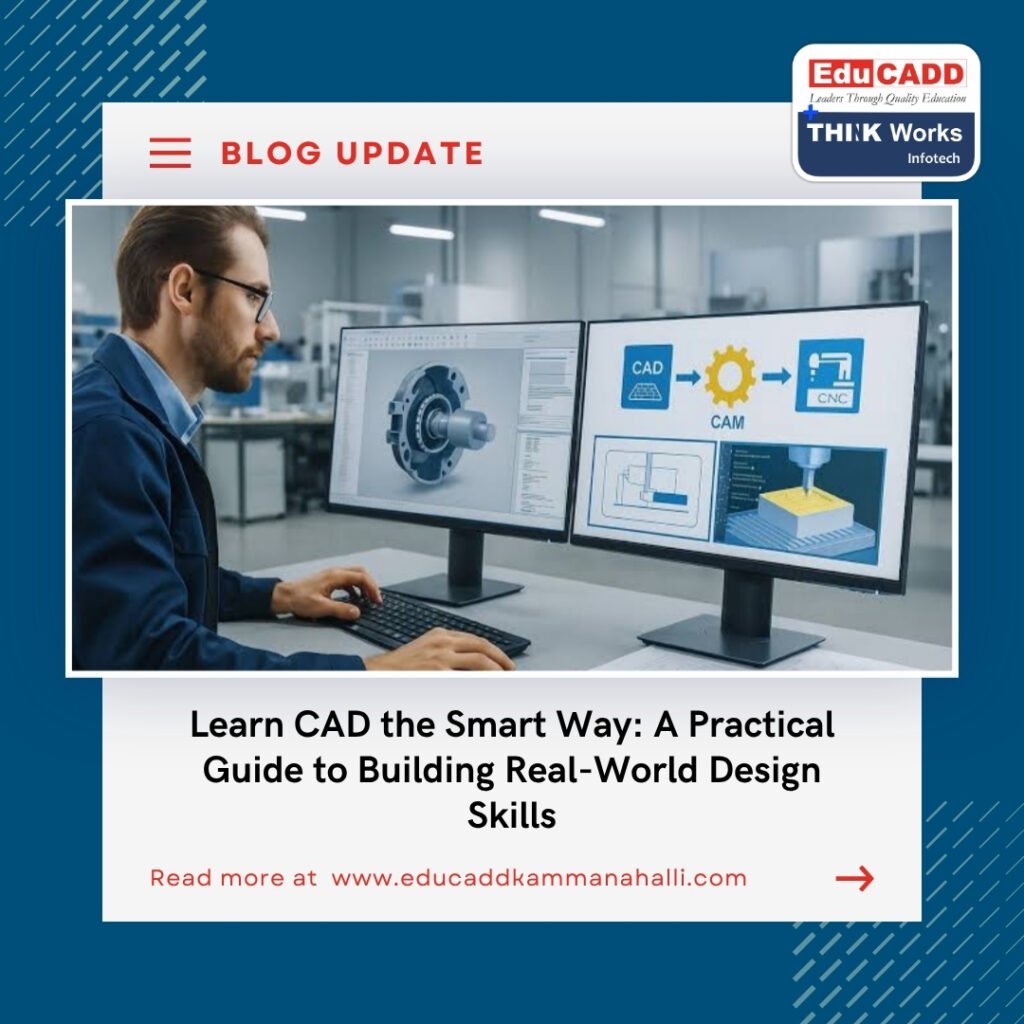
Learn CAD Design Skills
If your goal is to Learn CAD Design Skills for a job, college project, freelance work, or career change, practical training can make a major difference. This guide explains the best ways to develop your skills, choose the right software, practice effectively, and become confident with professional design work.
Start by Understanding What CAD Really Means
Before you learn CAD, it is important to understand what CAD actually does. CAD stands for Computer-Aided Design. It allows professionals to create accurate digital drawings and models instead of depending only on manual drafting methods.
CAD software is used across many industries. Civil engineers create building and infrastructure drawings. Mechanical engineers design components and machines. Architects develop floor plans and 3D building models. Electrical professionals create circuit and layout drawings. Interior designers use digital models to plan spaces and presentations.
Understanding these applications helps you choose a learning path that matches your career goals. Therefore, do not select software simply because it is popular. First, think about the industry you want to enter.
Some common CAD applications include:
- Architectural drawings and building plans
- Mechanical parts and machine design
- Civil engineering layouts
- Electrical drawings
- Interior design and space planning
- 3D modelling and visualization
- Manufacturing and product development
Choose the Right CAD Software for Your Career
One of the most important steps to Learn CAD Design Skills is choosing suitable software. Beginners often make the mistake of trying several programs at the same time. This can create confusion and slow down progress.
Instead, choose software based on your career direction. For example, AutoCAD is widely used for 2D drafting across many industries. Mechanical designers may benefit from software such as CATIA, Creo, SolidWorks, or Siemens NX. Architects and BIM professionals may focus on Revit, while civil professionals may use tools such as Civil 3D.
The right software gives you a clear learning path. Once you become comfortable with one platform, you can add other tools. This approach helps you develop confidence while building a broader technical skill set.
When selecting software, consider:
- Your target industry
- Job opportunities in your location
- Software commonly used by employers
- Type of projects you want to create
- Availability of training and practice resources
Build a Strong Foundation Before Learning Advanced Tools
A common mistake among beginners is jumping directly into advanced features. However, strong fundamentals are the foundation of good design work. If you want to learn CAD effectively, spend enough time understanding basic concepts.
Start with the interface and navigation. Learn how to create simple lines, circles, arcs, rectangles, and other basic shapes. Then move toward editing commands, layers, dimensions, annotations, and object properties.
At this stage, speed is not your main goal. Accuracy is more important. Learn why each command works and when to use it. As a result, advanced tools will become easier later.
Focus on these fundamental areas:
- Drawing and editing commands
- Layers and object properties
- Units and drawing standards
- Dimensions and annotations
- Coordinates and precision
- File management
- Basic plotting and printing
- Simple 2D layouts
Practice Through Real Projects
If you truly want to learn CAD, practice should be at the center of your learning process. Watching tutorials can explain a command, but creating something yourself develops real skill.
Begin with simple projects. For example, create a basic floor plan, mechanical component, furniture layout, or electrical drawing. Once you become comfortable, increase the complexity of your projects.
Real projects also teach you how different commands work together. You begin to understand accuracy, design intent, editing, organization, and presentation. More importantly, you learn how to solve problems instead of simply following instructions.
Try creating projects such as:
- A simple residential floor plan
- A mechanical bracket
- A basic machine component
- A furniture layout
- A small electrical plan
- A 3D room model
- A simple structural drawing
Follow a Structured Learning Plan
Random learning can make CAD feel difficult. A structured plan provides direction and helps you measure progress. Therefore, create a learning schedule before you begin.
Start with basic concepts during the first stage. Then introduce intermediate tools and practical projects. After that, move into advanced features related to your chosen field.
A simple learning path can look like this:
- Beginner stage: Interface, navigation, drawing, editing, layers, and dimensions
- Intermediate stage: Complex drawings, blocks, templates, modelling, and documentation
- Advanced stage: Professional workflows, industry standards, advanced modelling, and project development
- Professional stage: Portfolio projects, certifications, and job-focused practice
You do not need to spend several hours every day. Even consistent practice for one hour can produce strong results over time. The key is regular practice rather than occasional study.
Learn from Experienced Trainers
Self-learning has become easier because of online tutorials and educational platforms. However, professional guidance can help you progress faster. A trainer can explain difficult concepts, identify mistakes, and demonstrate industry workflows.
This is especially useful when you Learn CAD Design Skills for professional employment. A good trainer can connect software commands with real project requirements. You also get the opportunity to ask questions instead of trying to solve every problem alone.
Instructor-led training can also introduce you to professional practices. These may include drawing standards, project organization, documentation, modelling techniques, and presentation methods.
When selecting a training program, look for:
- Experienced instructors
- Practical project-based learning
- Industry-focused course content
- Updated software training
- Regular assignments
- Doubt-clearing support
- Portfolio development
- Career guidance
Use Online Resources to Strengthen Your Skills
Online learning is another useful way to learn CAD. Many platforms provide tutorials, demonstrations, exercises, and project ideas. These resources can supplement classroom or instructor-led training.
However, avoid watching tutorials without practicing. Passive learning may create the feeling that you understand a tool, but actual skill develops when you use it independently.
A better approach is simple. Watch a short lesson, repeat the process yourself, and then create something without following the tutorial. This method helps you remember commands and understand their practical use.
You can also explore:
- Software documentation
- Online courses
- Video tutorials
- CAD communities
- Practice exercises
- Industry webinars
- Project-based learning resources
Develop Speed and Accuracy Together
When you learn CAD, accuracy should come first. However, professional designers also need efficiency. Employers expect designers to produce accurate work within practical deadlines.
Start by learning commands properly. Then practice keyboard shortcuts and efficient workflows. Learn how to organize layers, reuse components, create templates, and reduce repetitive work.
Do not focus only on drawing quickly. A fast drawing with mistakes can create serious problems later. Instead, aim for accurate and organized work. With consistent practice, speed will naturally improve.
Try challenging yourself with small time-based exercises. For example, complete a basic drawing within a fixed period. Then review the result for accuracy. This approach improves both confidence and efficiency.
Learn Industry Standards Alongside Software
Software knowledge alone does not make someone a professional designer. You also need to understand how drawings are created and presented in real workplaces.
When you Learn CAD Design Skills, study relevant drawing standards and documentation practices. Learn about line types, dimensions, symbols, annotations, scales, layouts, and drawing organization.
Industry knowledge helps you create drawings that other professionals can understand. It also makes your portfolio stronger because employers look for practical skills rather than software knowledge alone.
Therefore, connect every software lesson to a real design situation. Ask yourself how the tool would be used on an actual project. This habit can transform basic software knowledge into professional capability.
Build a Portfolio While You Learn
A portfolio is one of the best ways to demonstrate your abilities. Instead of waiting until the end of your training, start building one from the beginning.
Every completed project can become part of your portfolio. Select projects that show different skills. For example, a mechanical portfolio can include 2D drawings, 3D models, assemblies, and manufacturing details.
Similarly, an architectural portfolio can include floor plans, elevations, 3D models, and visualization work. Civil professionals can showcase layouts, structural drawings, and infrastructure-related projects.
A strong portfolio should demonstrate:
- Technical accuracy
- Different design skills
- Clean drawing presentation
- Practical project knowledge
- Software proficiency
- Attention to detail
- Problem-solving ability
Avoid Common Learning Mistakes
Many beginners struggle because they focus on the wrong things. They may spend too much time memorizing commands or jump between different software programs.
If you want to learn CAD efficiently, avoid trying to master everything at once. Focus on one software platform and one career direction first.
Another common mistake is avoiding difficult projects. Challenges are valuable because they expose gaps in your knowledge. Instead of avoiding mistakes, review them and understand why they happened.
Also, do not depend entirely on tutorials. Use them as guidance, then try solving similar problems independently. This builds genuine confidence.
Turn CAD Skills into Career Opportunities
Once you learn CAD, you can explore several career paths. Your options depend on your education, specialization, software knowledge, portfolio, and practical experience.
CAD skills can support careers in engineering, architecture, construction, manufacturing, product development, interior design, and other technical fields.
Some potential roles include:
- CAD Designer
- CAD Drafter
- Mechanical Designer
- Civil CAD Designer
- Architectural Drafter
- BIM Modeler
- Interior Design Assistant
- Design Engineer
- 3D Modelling Professional
- CAD Technician
The career path becomes stronger when you combine CAD with additional industry skills. For example, a civil professional can learn BIM and project management. A mechanical designer can add GD&T, product design, or simulation skills.
Why Practical Training Can Make a Difference
There is a major difference between knowing software commands and knowing how to complete a project. Practical training helps bridge that gap.
When you learn CAD through projects, you understand how individual tools work together. You also become familiar with common design problems and professional workflows.
A structured training environment can provide regular assignments and feedback. It can also help you stay consistent. For beginners, this guidance can reduce the time spent searching for answers.
However, training alone is not enough. Your personal practice matters just as much. Use your classes as a foundation, then continue practicing independently.
Stay Consistent and Keep Improving
CAD is not a skill you finish learning after completing one course. Software changes, industries evolve, and new workflows continue to appear. Therefore, professionals need to keep improving.
After you Learn CAD Design Skills fundamentals, explore advanced tools related to your specialization. Follow industry developments and practice new techniques through projects.
You can also set monthly learning goals. For example, learn one new feature, complete one project, or improve one existing drawing each month.
Small improvements can create significant results over time. Consistency will help you stay confident and competitive.
Conclusion
The best way to Learn CAD Design Skills is to combine structured learning, regular practice, practical projects, and professional guidance. Start with the fundamentals and choose software that matches your career goals. Then build your skills step by step instead of trying to master everything at once.
Most importantly, practice what you learn. Create real projects, study industry standards, build a strong portfolio, and learn from your mistakes. As your skills grow, add specialized software and industry knowledge to your toolkit.
CAD can become more than just software knowledge. With the right approach, it can become a valuable professional skill that supports careers in engineering, architecture, construction, manufacturing, interior design, and many other industries.
So, if you are planning to learn CAD, start today. Choose your career direction, select the right software, create a simple learning plan, and begin practicing. The sooner you start building real skills, the sooner you can turn your design interest into professional opportunities.

